

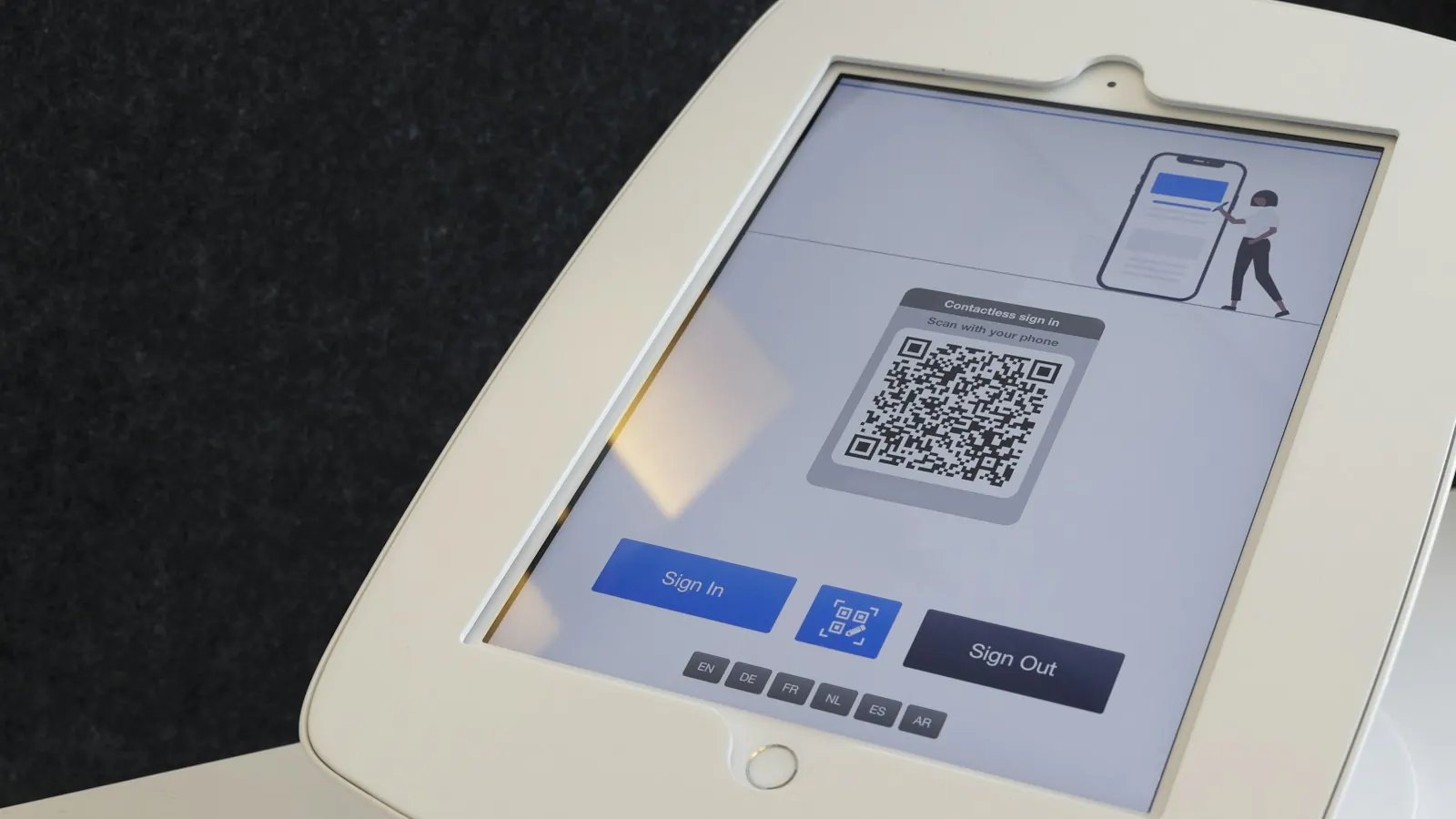
Ticket scanning app for event entry, even offline
Your phone becomes the scanner. Green means in, an already scanned ticket stands out straight away, and it keeps working when the network drops.
At the door you want no lists, no stamps and no arguments. Your visitor shows the QR code on their ticket — on their phone, in their wallet or on paper — and you scan it with the free app. In half a second you know whether they can come in.
How it works at the door
-
1
Your phone is the scanner
Install the scanning app, sign in with your organisation code and point the camera at the ticket. No extra device to hire or buy.
-
2
Green means in
A valid ticket turns the screen green, with the ticket type beside it. If it has already been scanned, you see straight away when — the same ticket never gets in twice.
-
3
Even without a network
The app fetches the tickets for your event in advance. If the wifi drops in the cellar or out on the pitch, it simply keeps scanning, and as soon as there is a network again, the scans go through to your overview.

Built for a busy entrance
Scanner rights for volunteers
Whoever is on the door gets the Scanner role: scanning tickets and nothing else. No revenue, no customer data, no settings. Invite each person separately, so that afterwards you can see who scanned what.
Paper or wallet, it makes no difference
The ticket is in the confirmation email, as a PDF and one tap away from Apple Wallet or Google Wallet. Anyone who prints it has the same QR code; the app scans them all.
One entrance for all your sales channels
Sold online, sold at the desk or through a reseller such as GetYourGuide, Tiqets or Viator: at the door it is all the same ticket and the same scan.
Readable in bright sunlight
Valid, check or invalid: every result has a symbol and a word as well as a colour. With a valid scan you see the product, the time slot and your visitor's name.
The scanning app
Free, on every plan, including the free plan with 100 paid tickets per event. You will find the app in the App Store for iPhone and iPad, and on Google Play for Android.


Frequently asked questions
Does it work on Android too?
Yes. The free scanning app is in the App Store for iPhone and iPad (iOS 15.5 or later) and on Google Play for Android phones and tablets (Android 6.0 or later). On both you sign in with the same organisation code.
What happens without a network?
The app keeps scanning with the tickets it fetched in advance, and sends the scans on as soon as there is a connection again. Refresh the app shortly before the doors open: a device without a network does not know about a ticket sold after that.
Can the same ticket get in twice?
No. A ticket is valid once. If it is scanned a second time, the app shows that it is already in, and since when.
What does it cost?
Nothing extra. The scanning app comes with every plan, including the free one, and there is no cost per scan or per device.
Access control · Read the guide
Ready for your next door
Put your event online, install the app on one phone per entrance and you are ready. Would you rather see how it works first? Book a video call.