

Ticket shop
A sales page with your own colours and logo. Several ticket types, discount codes, free registrations and a confirmation email with the ticket in it.
One system for selling in advance, selling on site and checking at the door. No separate tools you have to tie together yourself.
Passavo is a ticketing, point-of-sale and scanning platform for clubs, associations, visitor attractions and small events. You sell tickets online in your own ticket shop, at the counter on a tablet and in timed slots, and you scan them at the door with a phone — even without a network. It costs a flat amount per month: free to start, then from €9.00 a month, excluding VAT. There is no per-ticket fee and no commission on your revenue. On the free plan every event sells up to 100 paid tickets and free events are unlimited; unlocking one bigger event costs €19.00, once. Payments run through your own Mollie, Stripe or Bancontact Pro account and land straight in your own bank account.
Everything that happens before your visitor is standing at the door: what you sell, at what price, with what discount and at what time.
A sales page with your own colours and logo. Several ticket types, discount codes, free registrations and a confirmation email with the ticket in it.
Sell by the hour or by half day, with a capacity per slot. A full slot stops selling — even while someone is selling at the desk at the same time.

A dinner night, a quiz, a party or a performance: date and prices, and the tickets are online. For next year's edition you copy your ticket types with their prices and set the new date.
A percentage or a fixed amount, with a validity period and a usage limit. A code can be used a hundred times; a voucher belongs to one person and is spent once.
Sell cards for a fixed amount or an amount the buyer chooses. The balance is tracked to the cent and can be spent over several purchases — partly at the desk as well.
A pass in someone's name that gives access all season, with a visit counter and a card in the phone. At the door you scan it like any other ticket.
Let a reseller sell your tickets. Their visitors scan at your entrance as if they had bought from you — your scanning staff notice no difference.
A visitor asks for an invoice. Switch it on and it is drawn up in your name with your VAT rules on it, credit note included when you refund.
One list of rates per country, instead of a percentage on every single product. For a new event we suggest the set that goes with your venue's address — and you keep the last word.
The night itself. Scanning whoever bought online, selling to whoever just turns up, and running the bar on the same device.
Scan tickets with your phone's camera. The app works without a network and syncs as soon as the connection returns. Scanning staff only see what they need: valid or not.

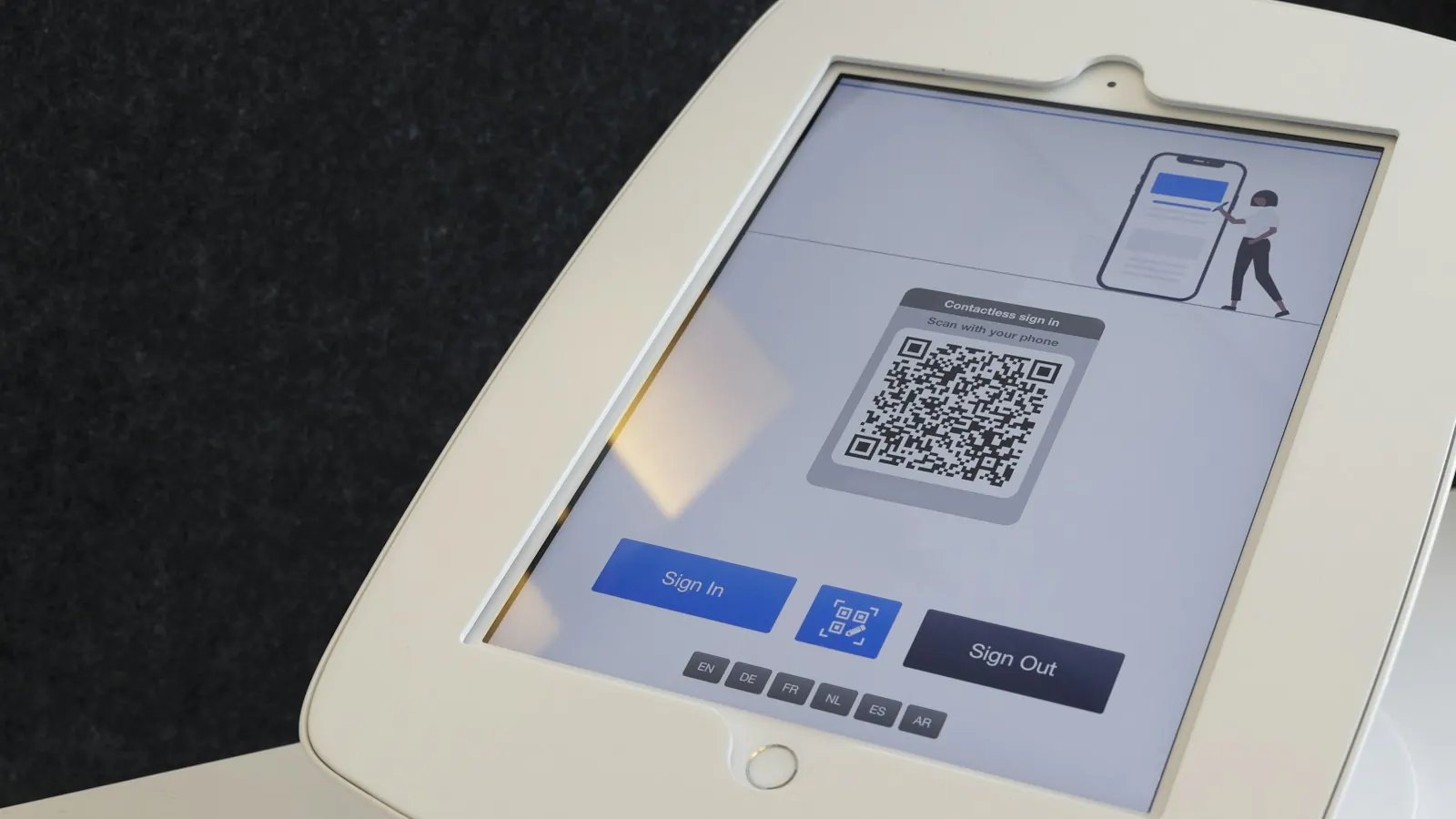
Sell at the door on a tablet or laptop, with the same products and the same stock as online, and a separate door price wherever you want one. Every movement goes into a till journal that cannot be changed afterwards.
The tablet that scans tickets at seven is pulling pints at eight. Each device gets its own range with photos on the buttons, so the bar never rings up chips and the chip stand never rings up beer. A deposit goes on the total and comes back off with one button.
Visitors put their ticket in Apple Wallet or Google Wallet, on every plan. From Start upwards, on iPhone that is the poster ticket: your poster across almost the whole screen, with a venue guide below it. The same QR code as on the paper ticket, so nothing changes at the door.
If you work with cashless, that same pass carries the bar balance too. Your visitor opens their ticket, sees what is still on it and tops up online in one tap — no app and no logging in.

Is it raining, or do the doors open an hour later? One message, and it is on the lock screen of everyone who put their ticket in their wallet — and on the pass itself. Anyone without a pass gets it by email. No app for them to install, no number you have to know.
Your visitor puts money on their ticket — online themselves, with your shop's payment methods, or at your top-up point — and pays for their drinks with it. No tokens, no till full of change, and one settlement at the end of the night.
How cashless worksYour visitor buys from you, not from us. On your own site, at your own address, in their own language.
Drop the shop into your existing website as a block, or simply link to it. Prefer a single button? Use the direct link or a QR code on a poster.

Run the ticket shop on an address of your own, for example tickets.yourclub.be. To the visitor everything stays inside your brand.

Dutch, French, English, German, Italian, Bulgarian and Spanish — for your visitors and for your own staff. You choose which languages your shop shows.

Where it comes in, how it can go back out, and what it costs you. Short answer to that last one: a fixed amount per month.
You connect your own Mollie, Stripe or Bancontact Pro. Your visitor's payment lands straight in your account; we are not in between and we keep none of it.
Voiding the ticket and paying the money back are two separate actions, and that is deliberate: sometimes you want one without the other. Both happen from the same screen.
Know another club this would suit? Share your link. They get a month free and so do you, as soon as they have paid their first month.
Other people's passes and systems, which have to work at your door as if they were your own.
Visitors entitled to the reduced rate pay less. The entitlement is checked with publiq and the sale is registered there — you have nothing to keep track of.
Visitors with a museum pass come in free. You register the visit here and settle up monthly with a CSV you can forward as it is.
Selling in Germany? Connect a TSE and your till meets the KassenSichV, with the required QR code on the receipt. Without a second till system alongside it.
The ticket is no longer a coloured card. Your event poster fills almost the whole screen, with the QR code below it and a venue guide that drops your visitor at the right door.
Your own poster across almost the entire phone screen. Your visitor spots their ticket among ten other passes, and your event is shown large on top of that.
Directions, parking, accessibility, public transport and ordering food: one row of buttons under the poster takes your visitor where they need to be.
A season pass or a series shows the next dates on the pass itself. One pass in the wallet instead of ten separate ones.
Directions and View order sit at the top and stay in view. Your visitor never has to flip the pass over first.
Google Wallet comes along Visitors on Android get the same details wherever Google has room for them: the hero image, the venue, the date and the same links at the bottom of the pass.
Included from the Start plan upwards.
In the Pro plan
Connect your own website, your till or your bookkeeping straight to your account: read out your catalogue and your availability, create orders, and let a webhook tell your system the moment a ticket is sold.
Short explanations of the terms used on this page, written for people meeting them for the first time.

What is not in it matters just as much: no fee per ticket, no commission on your revenue and no intermediate account your money passes through first.