For everyone
Ticketing software for a theatre company: a full run
Ticketing software for a theatre company, with no fee per ticket. Sell a whole run of performances from one seating plan, from preview to matinee.
· 4 min read
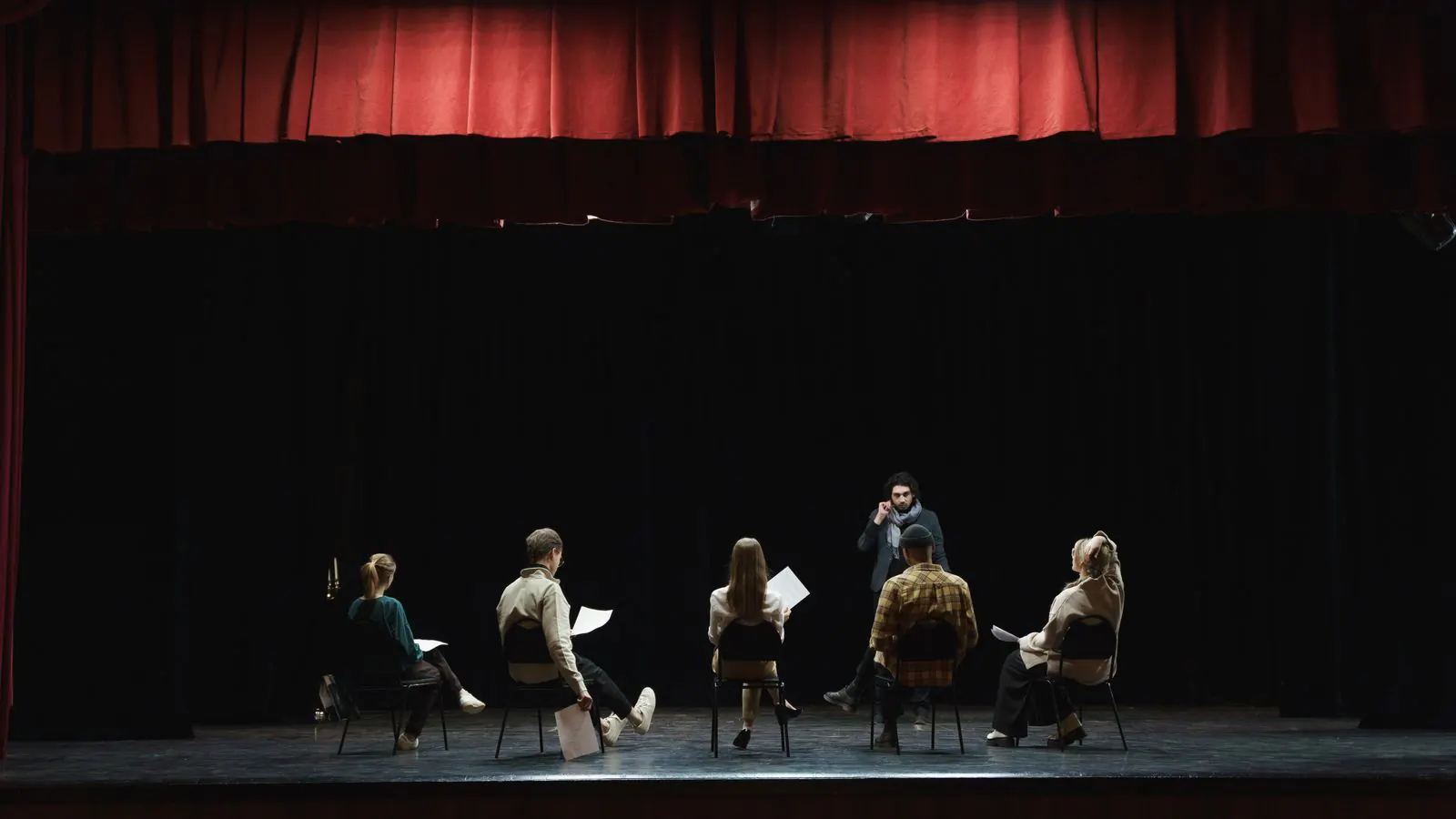
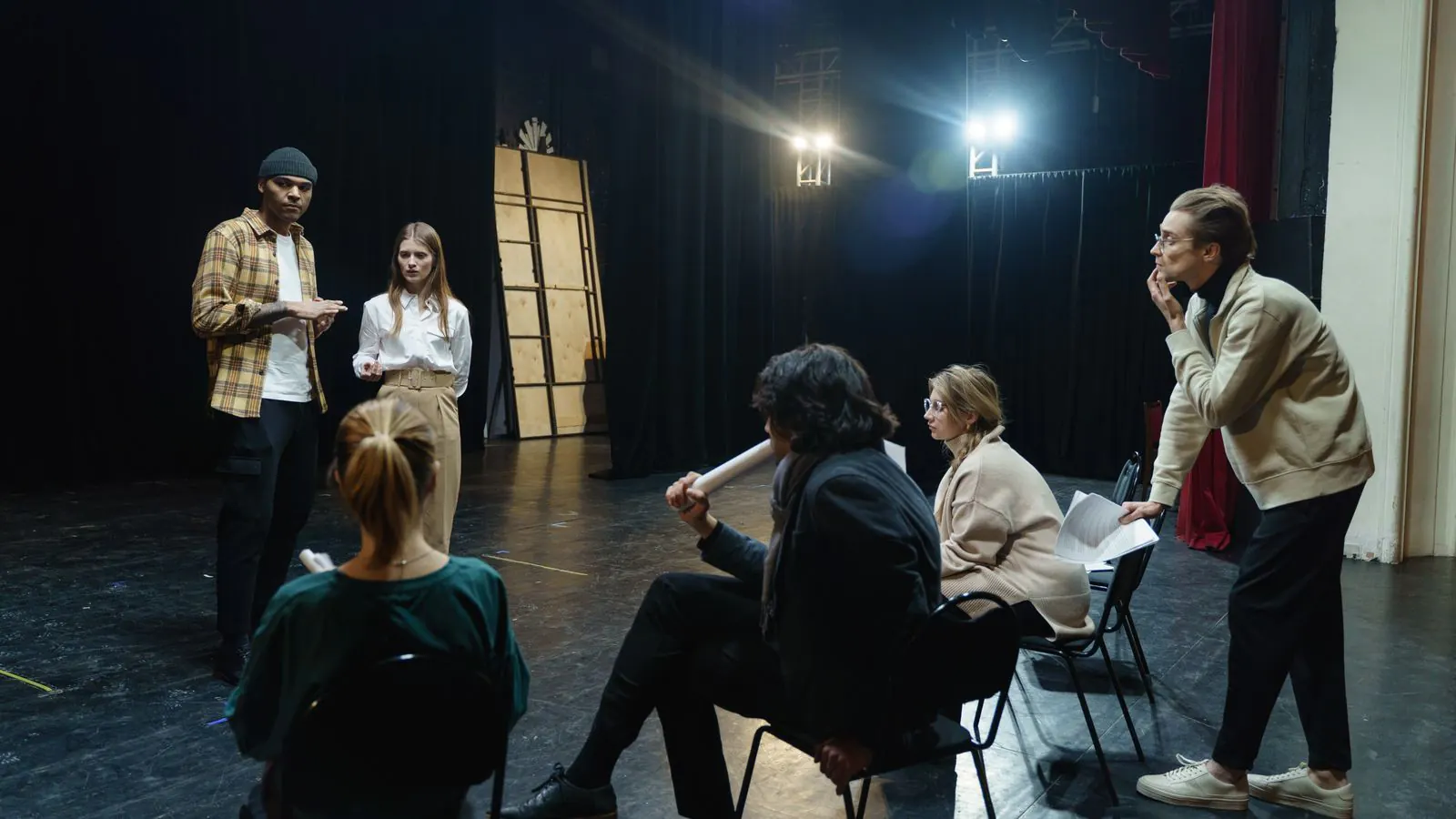
The set is up, the lines are almost learned, and then comes the question nobody in the company likes to answer: who is doing the tickets? Six performances, a preview, a school show, seats for the press and an usher who wants to know who sits where. Good ticketing software for a theatre company keeps all of that in one place. This article shows how to set it up.
The example: six performances in one house
A company performs its new play over two weekends, in a house with 160 seats. Friday and Saturday at 8 pm, Sunday at 3 pm. An adult pays 18 euros, a student 12 euros. On the Wednesday before there is a preview, and a school wants to bring two classes.
One product or six events?
There are two ways to sell a run:
| One product with time slots | One event per night | |
|---|---|---|
| What your audience sees | One show, with a calendar | Each night separately in the shop |
| Prices | The same for the whole run | Different per night |
| Changing title or photo | Once | For every night |
| Suits | The regular run | Preview, opening night, gala |
For six identical nights, one product with time slots is the shortest route: each time slot is one performance. Your audience picks a day first, then a time, and sees straight away how many seats are left. The preview has a different price, so you create it as a separate event.
Setting up the run in four steps
- Under Sales → Products, create a product with time slots and two rates: Adult and Student.
- Draw your house under Sales → Seating plans: rows, seats, categories and wheelchair spaces. You do that once. Then choose the plan in the product, in the Seating plan with numbered seats block.
- Go to Sales → Time slots and click Create time slots. Enter the two weekends, tick Friday and Saturday, and set both First start and Last start to 8 pm.
- Do the same for Sunday at 3 pm. Existing time slots stay as they are; only the matinees are added.
If your venue has opening hours, switch off Stay within the opening hours of the venue, or your evenings will be skipped. The details are in Time slots and Seating plans.
Playing to general admission? Skip step 2 and enter 160 under Seats per time slot.
The preview: same house, different price
Under Sales → Events, create an event for the Wednesday, choose the same seating plan and enter lower prices. You don't redraw anything: the price of a category is set per show, not in the plan. One house therefore serves a preview at 8 euros and an opening night at 18 euros.
Press, sponsors and the director
In the Occupancy plan of a performance, select free seats, click Block and note who they are for. They are then off sale for that night. If the reviewer cancels, lift the block and the seats are back in the shop.
If someone would rather sit next to a friend, move their ticket to a free seat or let two visitors swap. The price of their order doesn't change.
The school show: on request
A school doesn't buy fifty tickets with a basket. Create a separate product and switch on On request instead of direct sale. Your shop then shows the button Send a request. The teacher fills in a date and a number, you send a quote with a payment link, and only then do we hold seats. See Requests and quotes.
On the night
The scanning app shows the seat for every ticket, so the volunteer at the door can point people the right way. With Download seat list (csv), your ushers get every seat with the buyer and the rate. Anyone who turns up without a ticket buys a seat from the same plan at the till. Online and at the door, you never sell the same seat twice.
What does it cost?
With Passavo you pay no amount per ticket and no percentage. Your payment provider does charge a fee per payment, directly with you.
Six times 160 seats is at most 960 paid tickets. That fits comfortably in the Start plan: €9.00 a month, up to 3,000 paid tickets a year, with the counter point of sale included. The seating plan costs nothing extra. If you play several houses and want to manage each one as a venue, you need Pro. Everything is on the pricing page.
Read more about performances under concerts and theatre. And if you want to know where buyers drop off, read how to improve the conversion of your ticket shop.