Clubs and events
Fundraising dinner with two sittings: two events or time slots?
Selling tickets for a fundraising dinner with two sittings? How to choose between two events and time slots, with a full example and the one trap to avoid.
· 6 min read
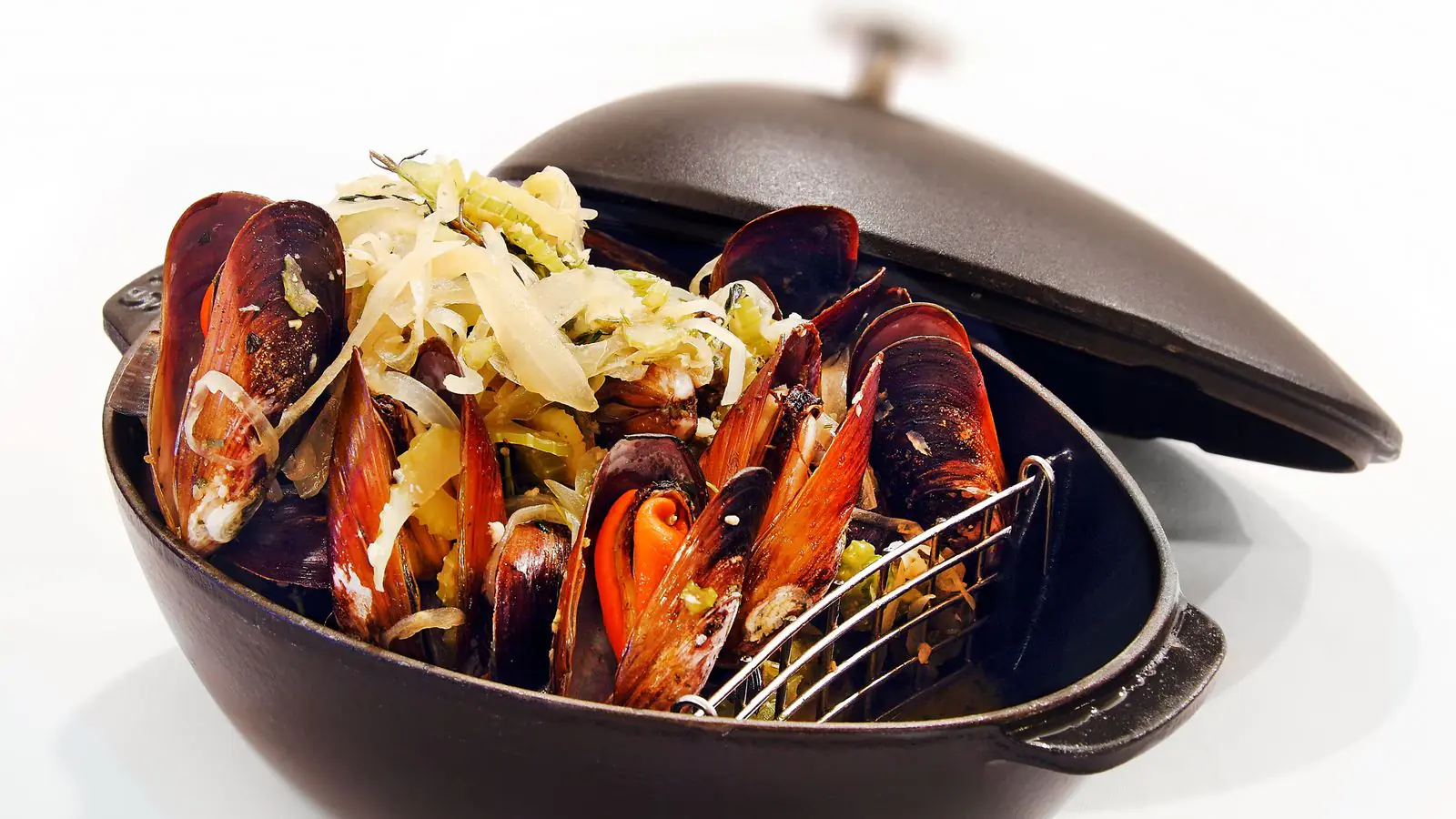
The volleyball club holds its mussel night in the sports hall. Last year service ran non-stop from 11 am to 9 pm, and at 1 pm half the club was queuing while the kitchen stood idle by 4. This year it will be different: two sittings, at noon and at 6 pm, each with a hundred and twenty seats. Which raises the question every committee eventually asks: how do you sell a fundraising dinner with two sittings online, so that nobody buys a seat that does not exist?
There are two ways: two events, or one event with time slots. They look alike, but they count your seats differently. This article explains the difference and when to choose which.
The example: three kinds of ticket, 120 chairs
The club sells three tickets:
| Ticket | Price |
|---|---|
| Mussels with fries | 24 euros |
| Vol-au-vent, for anyone who doesn't eat mussels | 20 euros |
| Children's menu | 10 euros |
The hall holds a hundred and twenty chairs per sitting. How many of those will be mussels and how many children's menus, nobody knows in advance. That last point is what the choice comes down to.
Two events: one pool of seats per sitting
On an event you fill in Seats in total. That number is one pool for all tickets together. Enter 120 and you sell at most a hundred and twenty tickets, in any mix: a hundred mussels and twenty children's menus, or sixty of each. Your ticket shop and your till at the entrance sell from the same pool and stop by themselves when it runs out.
An event has a date but no time. For two sittings you therefore create two events, with the time in the name:
- Go to Sales → Events and click New event.
- Name of the event:
Mussel night — 12 noon sitting. Fill in the date and the location, and Seats in total:120. - Click Next and use Add a ticket type to add the three tickets, each with its price.
- Leave The same price at the desk as well switched on and click Create.
- Do the same for
Mussel night — 6 pm sitting.
Create the second sitting with the wizard, not by copying the tickets of the first. A copy keeps the seat pool of the original, and on the same day they then count together: a hundred and twenty chairs for the whole day instead of per sitting.
Your shop now shows two events on the same day, each with its three tickets. Your guests choose a sitting by choosing the event, and the time is in the name on their ticket. The manual walks through the wizard step by step: Events.
One event with time slots: a pool per ticket
The other route is a single event with two time slots underneath: noon and 6 pm. Your guests first pick a day and then a time, with the number of free seats shown next to it.
The difference is in the counting. A time slot belongs to one ticket type. If you sell three kinds of ticket, each kind gets its own slots with its own seats. For the noon sitting you would have to split your hundred and twenty chairs in advance, say 90 mussels, 15 vol-au-vents and 15 children's menus.
If a hundred people then want mussels at noon, the mussels show as full while fifteen chairs sit empty for children who may not come. With two events, those seats would simply have sold.
When to choose which
| Your dinner | Choose |
|---|---|
| Two or three sittings, with several kinds of ticket | Two or three events |
| The sittings have a different price or menu | Separate events |
| One ticket for everyone, several times | One event with time slots |
| Take-away mussels, by the quarter hour | Time slots |
That last case is where time slots shine. If you also sell pots of mussels to take away, create one product with time slots: from 5 to 8 pm, every fifteen minutes, twenty pots per slot. The generator under Sales → Time slots creates them in one go, and nobody can pick a quarter hour that is full. No more queue of sixty people at your pick-up hatch at once. See Time slots.
A time slot closes online at its start time. Anyone who wants to come at 12:05 buys at the door; on an event without time slots, online sales keep running all day.
What the kitchen gets out of it
With two events, the list under Sales → Events shows how many have sold per sitting and per ticket. That is your order for the fishmonger: 84 portions of mussels at noon, 97 at 6 pm, and 23 vol-au-vents across the day.
Two things make the evening easier still:
- Allergies. Below the buyer's details is the field Note (optional). Anyone with a shellfish allergy or coming in a wheelchair writes it there. You find it on the order and in the order list, with a filter for orders that carry a note. See Phone number and a note from the buyer.
- Drink vouchers in advance. You can sell a drink voucher as an extra item. On the checkout page it appears in the Add to your visit block, and the ticket shows how many vouchers your guest is coming to collect.
At the door, and next year
At the door you scan tickets with the scanning app. If someone turns up without a ticket, you sell at the counter till from the same pool, so the hundred and twenty chairs still add up. The counter till is included in the paid plans from Start; what each plan covers is on the pricing page.
Next year you don't start from scratch. A past event disappears from your shop by itself but stays in the back office, with its orders. Under Sales → Products you copy each ticket type with the Copy button and change the date and the price. On a different day the copy counts separately, and this year's guests stay with this year.
In short
- Several kinds of ticket per sitting? Create one event per sitting, with the time in the name and the chairs in Seats in total.
- One kind of ticket, or take-away by the quarter hour? Then time slots are quicker.
- Want to know first what selling online costs a fundraising dinner? Read Sell tickets for your fundraising dinner without commission.