Visitor attractions
Escape room booking by the hour, one group per slot
Sell your escape room per game instead of per player: one group per time slot, with time to reset the room and no double bookings.
· 5 min read
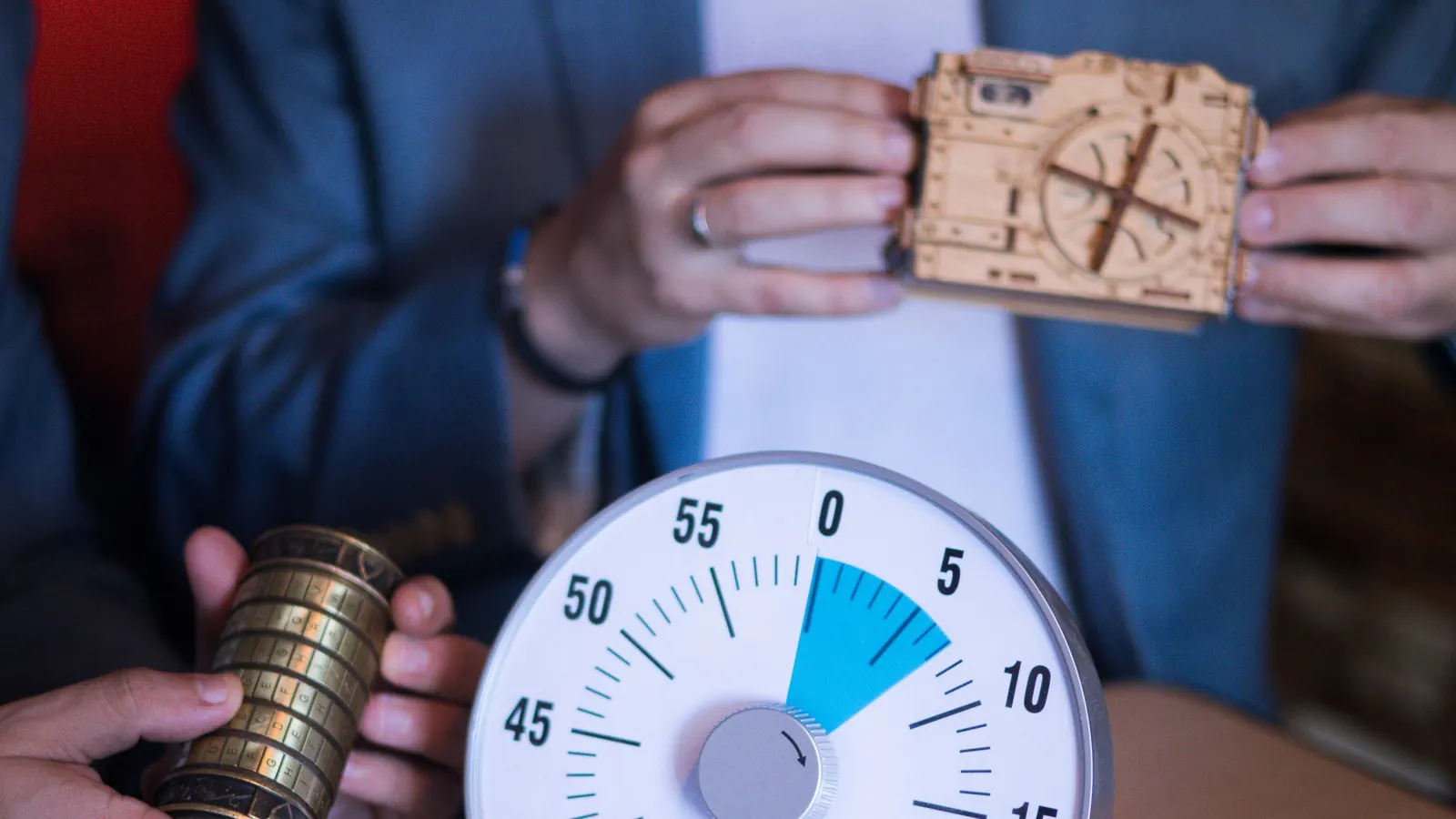
Saturday evening, 8 pm. Two groups of three who have never met are standing at your door, and both of them booked the 8 pm room. Your system sold places per player, and there were six. For an escape room that is exactly wrong: you are not selling seats, you are selling a room to one group.
This article explains how to set it up so that every hour is sold only once, online and at the desk.
Why tickets per player don't work
For a museum or a guided tour, capacity is a number of people: twenty places, and it doesn't matter who buys them. For an escape room, capacity is one group. Set six places per hour and a couple can buy two while another party buys the other four. Then a stranger joins the game, or you turn away someone who has paid.
The fix is simple: sell the game, not the player.
One group per slot: how to set it up
- Go to Sales → Products and click New product.
- Under Type, choose Group: one line for a whole party.
- Give it a clear name, for example "The lost key — 2 to 6 players", and say in the description how many players can take part.
- In the capacity block, set Maximum per order to 1. One order is one game.
- Add an online price, for example 120 euros per group. Want a different price at the desk? Add a second price for the Desk channel.
- Then create the time slots with 1 under Seats per time slot.
So a group takes up one place. Once that place is gone, the hour shows as full. How products and prices work is explained in Products and prices.
Game time and reset time: every how many minutes?
A game lasts sixty minutes, but afterwards the room has to be ready again: locks closed, clues back in place, the clock back to zero. Allow half an hour. In the generator under Sales → Time slots → Create time slots these are two separate fields:
- Duration in minutes: 60, the length of the game;
- Every how many minutes?: 90, the time between two starts, reset included.
An example: in November, Wednesday to Sunday, First start 14:00 and Last start 21:30. That gives six games a day: at 2 pm, 3.30 pm, 5 pm, 6.30 pm, 8 pm and 9.30 pm. The last game ends at 10.30 pm. If your venue closes at 10 pm, the generator won't create that last slot as long as Stay within the opening hours of the venue is switched on. Adjust your opening hours, or switch that option off for these evening slots.
The generator never touches existing slots. You can add an extra game at 11 pm on Friday later by running it again for just that day and that hour. Every field is explained in the manual under Time slots.
Two rooms? Two products
Each room is its own product with its own time slots, because a time slot belongs to one product, with one counter. That way "The laboratory" can be full at 8 pm while "The lost key" is still free.
The other way round, never create two products for the same room, for example a separate price for four and for six players. Each product then has its own slots, and the same hour can be sold twice.
What your players see
In the ticket shop they choose a day first, then an hour. The calendar opens on the next day with a free slot. A booked hour stays visible but can't be selected, and a slot closes online at its start time.
Two people want the last free hour on Saturday at the same moment? The counter is checked and increased in a single step, and during payment the slot is held for ten minutes. So the hour is sold only once. If someone drops out at the payment step, it becomes free again by itself.
At the desk and at the door
If you also sell at the desk, the counter point of sale shares the same counter: an hour sold online is refused at the till too. Whoever lets a group in scans one ticket with the scanning app. If that ticket belongs to another hour, the app shows a warning instead of Valid, and you decide whether the group may play anyway. More on that in scanning tickets at the door, even without a network.
When a room is out of action
If a lock is broken or you want to keep an evening free for a company party, use Close: nothing more is sold, and people who already booked still come. If a game really can't go ahead, choose Cancel. You immediately see how many groups you need to notify, and you handle refunds afterwards on the order.
What it costs
Time slots are included in every plan, including the free one. If you also sell at the desk, you need Start (€9.00 a month). Want to sell gift vouchers, a popular present for an escape room? Then you are on Growth (€29.00 a month): see Gift vouchers. There is never a fee per ticket on top. Compare the plans on the pricing page, or read how time slots for a museum or exhibition work.