Visitor attractions
Sauna booking by time slot, without crowded benches
Time slot reservations for your sauna or spa: a fixed number of guests per session, online and at the front desk, with a robe or towel added.
· 4 min read
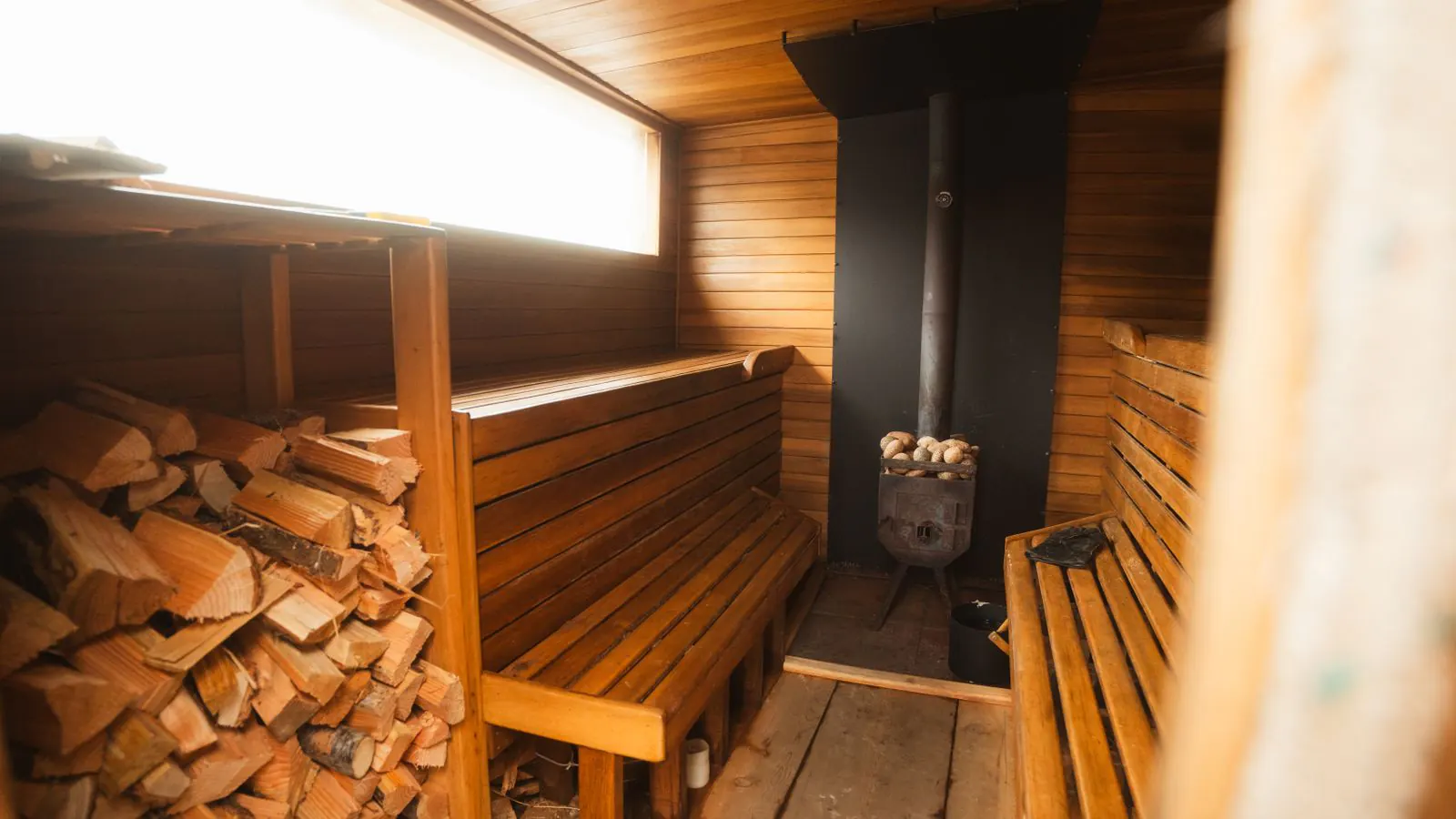
Saturday, 2 pm. Your sauna has twelve places on the benches, but twenty people are sitting there. Guests wait in their robes in the corridor, the relaxation room is full, and whoever came for peace and quiet goes home disappointed. Time slot reservations fix that: your guest picks a session in advance, and you never sell more places per session than your spa can take.
Why a sauna needs time slots
A museum can absorb a bit of a crowd. A sauna can't: the benches, the showers and the relaxation room have a hard limit, and calm is exactly what your guests come to buy. A time slot is one session with a maximum number of guests: "Saturday 1:00 – 3:00 pm, twelve places". When that session is full, your guest picks the next one. The glossary also explains what a time slot reservation is.
An example: four sessions a day
Take a small spa with a sauna for twelve guests. A session lasts two hours, followed by an hour to air the room and wipe the benches. It's closed on Mondays.
- Go to Sales → Products and click New product.
- Under Type, choose Timed ticket and name it something like "Sauna session — 2 hours".
- Go to Sales → Time slots and click Create time slots.
- Choose the product and the venue, and a period of one month.
- Fill in: First start 10:00, Last start 19:00, Every how many minutes? 180, Duration in minutes 120, Seats per time slot 12.
- Leave Stay within the opening hours of the venue switched on. The generator then creates no session on your closing day and no session that ends after closing time.
That gives you four sessions a day, at 10 am, 1 pm, 4 pm and 7 pm, each with twelve places. The generator never touches existing sessions, so you simply run it again for the next month. Every field is explained in the guide under Time slots.
Adults and students in the same session
You may want a lower price for students, or a different price at the front desk than online. Don't create a second product for that; use rates within the same product instead: for example Adult at 28 euros and Student at 22 euros. All rates sell from the same twelve places. When the session is full, it's full for everyone, and your benches stay at twelve. How that works is explained under Rates.
A robe and towel on the side
People who book online often forget their robe. Make it an Extra item, for example "Robe and towel", with its own price and its own VAT rate. On the checkout page it appears in the Add to your visit block, and the confirmation and the ticket show what your guest can pick up at the desk. See Extra items with a visit.
No double bookings, not even at the desk
On a busy Saturday you sell online and at the front desk at the same time. A session's counter is checked and increased in a single step, and during checkout the chosen places are held for ten minutes. If your guest drops out, they become free again on their own. A full session no longer sells anywhere: not in your ticket shop and not at the desk.
If the sauna breaks down one afternoon, you close the sessions to stop sales, or you cancel them: you immediately see how many guests you need to notify. To be able to call them, switch on Phone required in your shop settings.
At the entrance
Your guest shows their ticket on their phone or in their wallet. At the entrance you scan it with the scanning app. If the ticket belongs to another session, the app shows a warning instead of Valid, and you decide whether that guest may come in anyway. Prefer to rent out the sauna by the hour to one party at a time? That works like an escape room booked by the hour: one group per time slot.
Regulars and gifts
A spa lives on its regulars and on gifts. From Growth upwards you sell a named season pass that is scanned again on every visit, and gift vouchers with a code and a balance, redeemable online and at the desk. Also read how to sell a gift voucher for the holidays.
What it costs
Time slots are included in every plan. A spa that's open every day usually chooses Start (€9.00 per month, up to 3,000 paid tickets per year, with the front-desk till) or Growth (€29.00 per month, unlimited tickets, with season passes and gift vouchers). There's never a per-ticket charge on top. Compare the plans on the pricing page, or see what Passavo does for spas and saunas.