Visitor attractions
Invoices for ticket sales in the buyer's name
An invoice in the buyer's name for ticket sales, with nothing to retype: how a company booking a group visit gets its invoice, online and at the desk.
· 5 min read
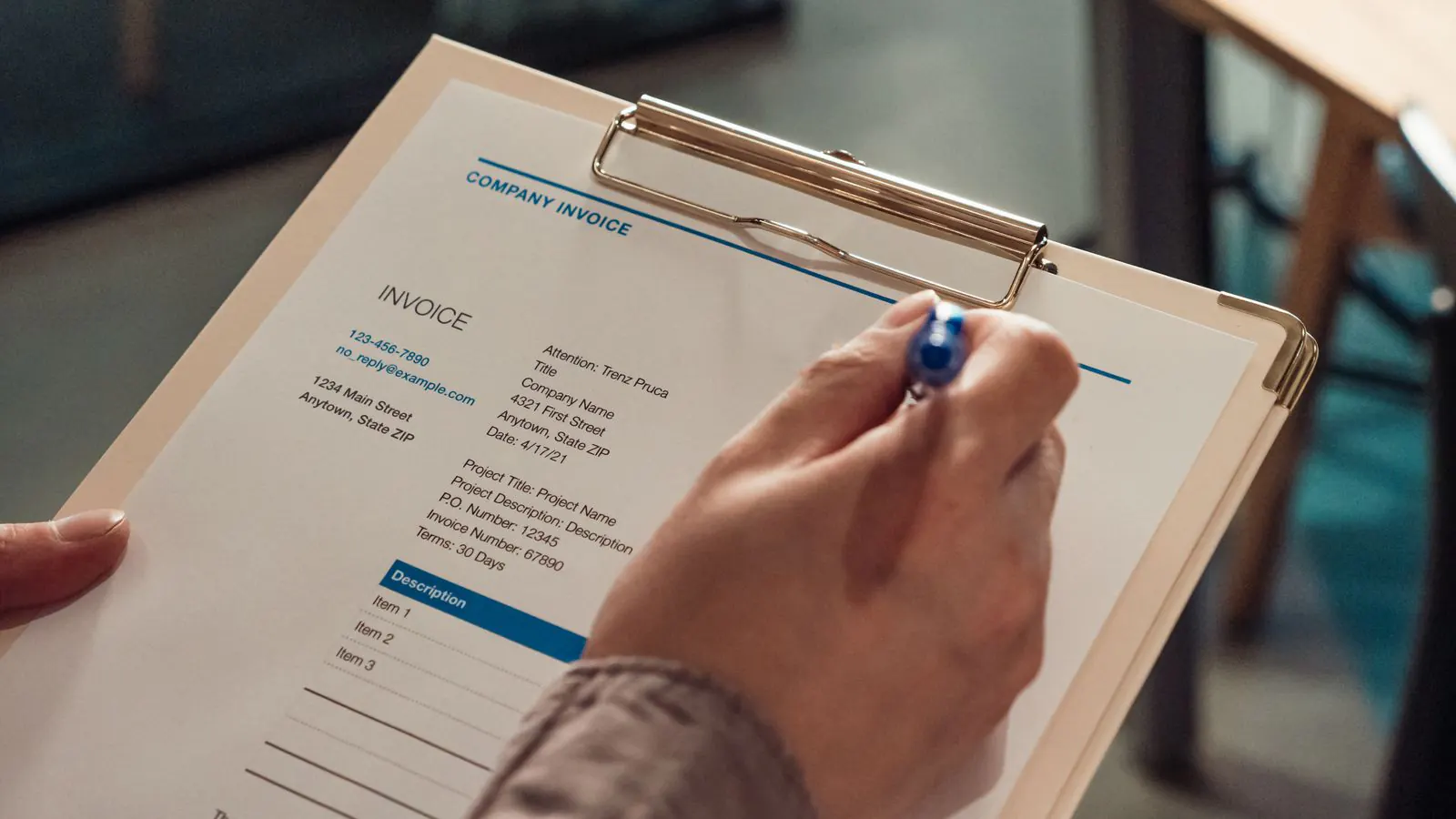
A company books a team outing at your brewery: twenty-four colleagues, a guided tour and a tasting. The order comes in through your ticket shop, fully paid. Two days later their accounts department emails: "Could we have an invoice in our company's name, with our VAT number and our purchase order reference?" You look up the order, open a Word template, retype everything and hope the invoice number follows on from last month's.
Invoicing ticket sales in the buyer's name works without retyping. This article explains how to set it up once, and how a buyer then gets their own invoice: online, afterwards or at the desk.
Why a company asks for an invoice
A ticket or a till receipt is enough for a private visitor. A company, a school or a freelancer needs more: a document with their own name and address, their VAT number, a sequential invoice number and the VAT per rate. That is what their accountant needs to book the expense. If someone asks for one, you issue it; you don't have to send private visitors an invoice unprompted.
Set it up once
Go to Settings → Organisation, tab Invoices to buyers, and switch on Invoices to buyers are on. Only the owner of the organisation can do this. Then fill in four things:
- Your VAT status: VAT-registered, exempt (with the legal wording of your exemption) or not subject to VAT. A non-profit without a VAT number can still issue invoices.
- Your number series: a prefix such as
F, a starting number and whether the series restarts at 1 every year. The system keeps the counter, so there are no gaps and no duplicate numbers. - Your official details: name, address, company number and VAT number. This can be a different name from the one above your ticket shop.
- Copy to your accountant: enter an address, and every invoice goes there as a blind copy.
The invoice is in your name, with your logo and your own details. You issue it; Passavo lays it out. If you are unsure about your VAT status or the right exemption, check with your accountant before the first invoice goes out.
Four ways to get an invoice
People don't always ask for an invoice at the same moment. That's why there are four routes, all with the same result.
- At checkout. In the ticket shop the buyer ticks I would like an invoice and fills in their company name, address and, if they have one, their VAT number. As soon as the payment is through, the PDF arrives by email.
- Afterwards, by themselves. The confirmation email and the confirmation page show Need an invoice? with a personal link. You choose how long it stays valid (by default thirty days after the last date on the order).
- At the desk. After a sale on the till there is an Invoice button. You copy the details from the business card and the invoice goes out by email straight away.
- In the back office. If someone calls a week later, go to Invoices to buyers and click Create invoice. Pick the paid order and enter the buyer's details.
If the customer needs a purchase order number on the invoice, there is a field for it: Your reference or purchase order (optional). It appears at the top of the invoice.
The buyer's VAT number
The VAT number is optional: a private person claiming their visit as an expense won't have one. If a buyer does fill it in, it decides together with their country how VAT appears on the invoice. A customer from your own country gets the rate you set on the product. A business from another EU country with a VAT number gets a reverse charge, with the required wording. If you mainly sell admission to an event, VAT is often due where the event takes place; for that you can switch off the reverse charge in the same settings. Your accountant knows which choice is right for you.
An example: the team outing at the brewery
- The brewery switches on invoices, with the series
F2026-, and enters its accountant's address. - The company books twenty-four tickets at 18 euros for the 3 pm tour, 432
euros in total, and ticks I would like an invoice with its VAT number and
purchase order
PO-7731. - Once paid, invoice
F2026-0058goes to the company, with a copy to the accountant. There is no due date on it, but it states that it has already been paid. - Two colleagues drop out and get their money back through the payment
provider. A credit note referring to
F2026-0058is added automatically.
Nobody retyped anything, and the series stays unbroken.
Your accountant gets everything at once
Under Invoices to buyers you'll find the Export button. Choose a month or a quarter and pick the format your accountant wants: a CSV with the net amount and VAT per rate, a zip of the PDFs, or a zip of UBL files that accounting packages such as Exact Online, Yuki or Billit read in directly. Credit notes are included.
What it costs
Invoices to buyers cost nothing extra: no fee per invoice and no percentage of your revenue. The ticket shop is part of the free plan, up to 100 paid tickets per event. The counter point of sale, with the Invoice button, comes with Start and up, for €9.00 a month.
How to set up the tour itself, with a fixed number of places per guide, is explained in how to sell tickets for a guided tour. Every screen and setting is described step by step in Invoices to your buyers, and how an evening at the till works in The counter till. What's included in each plan is on the pricing page.