Clubs and events
Sell concert tickets online, with reserved seating
Sell concert tickets online for your choir or band with reserved seating: your audience picks a seat on the seating plan, online and at the box office.
· 5 min read
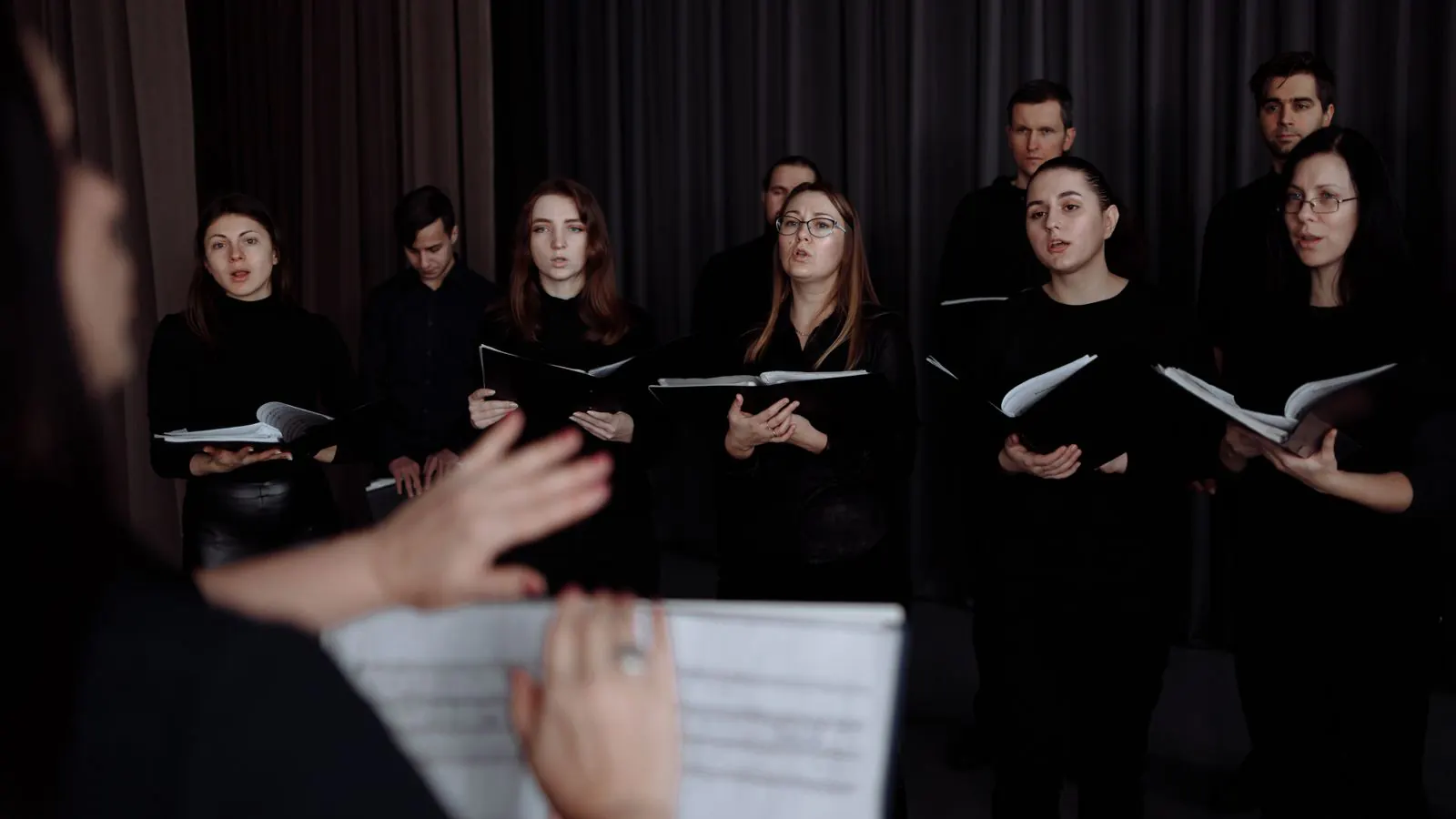
The community band plays its autumn concert twice: Saturday evening and Sunday afternoon, in the arts centre with 240 seats. Every year it's the same story. The early birds want the front rows. Families want to sit together. The honorary members get the first row. And on the night itself a committee member stands at the door with a list and a pen, handing out seats. If you want to sell concert tickets online with reserved seating, you want the seat printed on the ticket. This article shows how to set that up.
General admission or reserved seating?
For a quiz night or a fundraising dinner, general admission is enough: you count how many people can come in, and whoever arrives first picks first. For a concert in a hall with fixed seats, that works less well. Your audience would rather buy a seat than an entry, especially when the price differs between the front and the back, or between the stalls and the balcony.
With a seating plan, your visitor picks their own seat and pays the price of the category that seat belongs to.
The seating plan: draw it once
Under Sales → Seating plans, click New seating plan. Give it a name, choose the venue and a starting point: an empty plan, a small hall with straight rows, or a theatre with stalls and a balcony. Then, in the editor:
- Add rows: section Stalls, rows A to L, fifteen seats per row, with the numbering used in your hall.
- Create Price categories with a name and a colour: Cat. 1 for rows A to F, Cat. 2 for rows G to L, and Balcony.
- Mark seats as Wheelchair or Companion, and set a seat behind a pillar to Do not sell.
- Use Buyer preview to see the plan the way your audience will.
The seating plan belongs to the venue. If the band plays the same hall next year, there's nothing to redraw. Every button is explained in the help article on Seating plans.
Two concerts, three prices
Under Sales → Events, the band creates two events, one per concert, each with two rates: Adult and Child under 12. In the Seating plan with numbered seats block, it picks the arts centre's plan and fills in a price per rate for each category:
| Adult | Child under 12 | |
|---|---|---|
| Cat. 1 | 16 euros | 9 euros |
| Cat. 2 | 13 euros | 7 euros |
| Balcony | 10 euros | 5 euros |
An empty field charges the rate's regular price. The number of places for the concert is the number of seats on sale. How rates work is explained under Rates.
What your audience sees
In the ticket shop, your visitor taps the concert and then Choose your seats. Free seats are shown in their category's colour, taken seats in grey. They tap their seats, or let Best available seats find them: that many seats side by side, as close to the centre in front of the stage as possible. They choose a rate for each seat.
While they check out, we hold their seats. If two people want the same seat at the same moment, the second is told it has just been taken. Each seat is sold only once.
The confirmation email, the PDF and the wallet pass all show the seat, such as Stalls · Row F · Seat 12. The scanning app shows it with every scan, so the volunteer at the door can point people straight to their seat.
The front row for honorary members
The concert's Occupancy plan shows how many seats are sold, blocked and free. Select the seats in the first row, click Block and fill in who they're for: honorary members. Those seats are then off sale. If someone wants to change seats, you move their ticket to a free seat, without the price of their order changing.
With the seat list as a CSV file, your ushers get every seat with the buyer's name and whether the ticket has already been scanned.
At the door, at the box office
People who turn up without a ticket buy one at the box office, from the same hall. In the point of sale, the concert opens the Choose seats block: you tap the seats, pick a rate for each and take payment. If a seat has been sold online in the meantime, the till tells you. Online and at the door, you sell from one plan, with no double bookings.
What does it cost?
The seating plan itself costs nothing extra. With Passavo you pay no amount per ticket and no percentage of your revenue; your payment provider does charge a fee per payment, directly with you.
The band sells up to 240 seats per concert, more than the 100 paid tickets per event on the free plan. It has two options:
- pay for each concert separately at €19.00, up to 2 times per calendar year;
- the Start plan at €9.00 a month, with the box office point of sale included and up to 3,000 paid tickets a year.
If you want to sell seats at the door, you need the point of sale, and that's part of Start. All prices are on the pricing page.
Do you also put on plays, a musical or a gala performance? See what Passavo does for concerts and theatre, or read how to sell tickets online yourself in five steps.