Clubs and events
Card terminal for clubs: take cards at your fundraiser
A card terminal for clubs that also works on a field over 4G. The amount appears on the device by itself, and your existing bank terminal stays useful.
· 5 min read
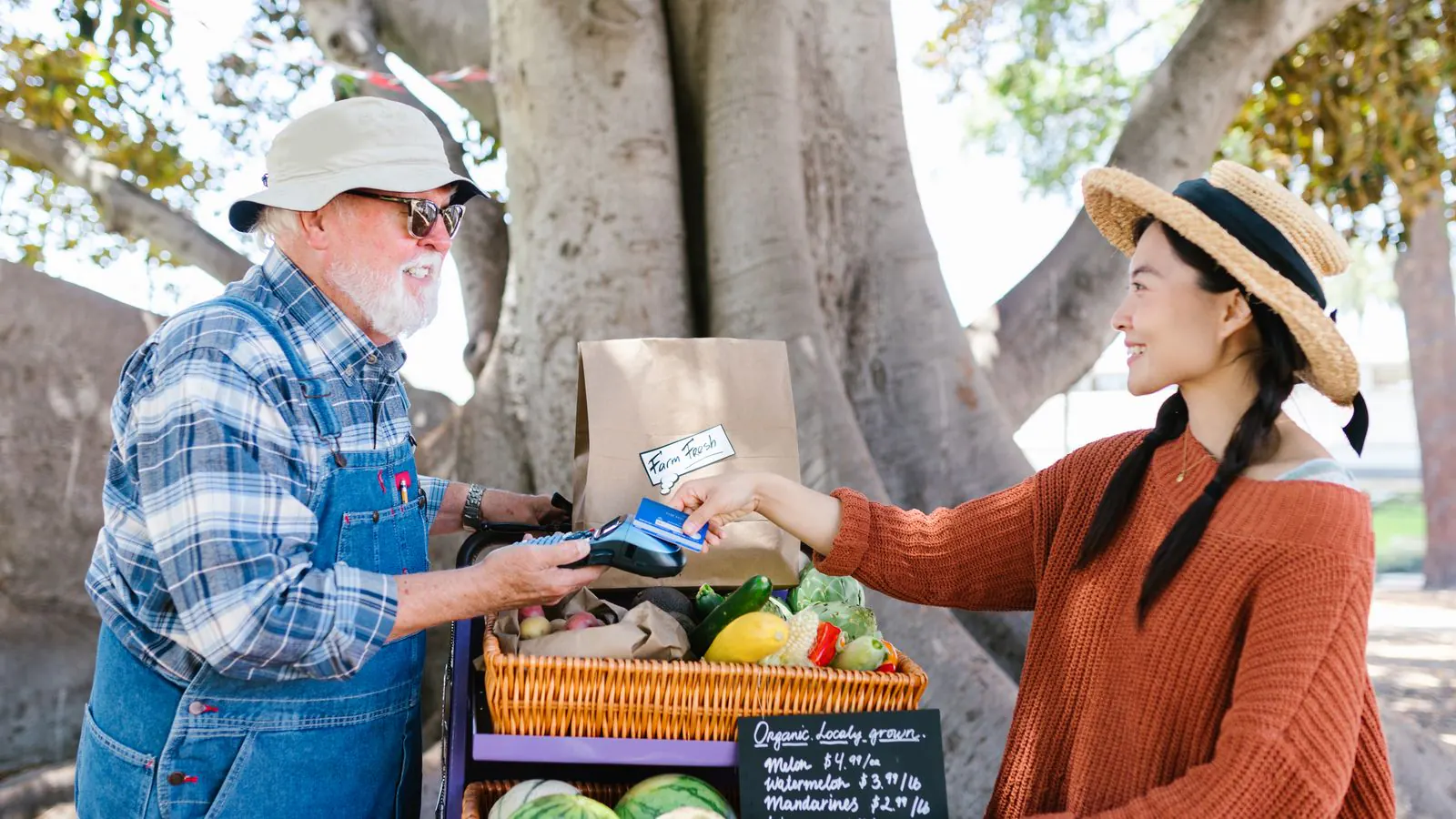
Sunday, the football club's youth tournament. At the gate, one volunteer takes entry fees; in the clubhouse, another sells tokens for the spaghetti. There's a single card terminal from the bank, and it gets passed from hand to hand. Whoever has it types in the amount, and whoever doesn't says "sorry, cash only". In the evening the treasurer lays a stack of slips next to the cash box and tries to work out which payment went with which sale.
A card terminal for clubs doesn't have to be a hassle. This article explains which card machine suits your club, how it works outdoors on a pitch, and what to do with the device the club already has.
Does a club really need a card terminal?
Fewer and fewer visitors carry cash. Someone who can't pay by card at the gate sometimes drives off to find a cash machine, or doesn't come in at all. A terminal removes that hurdle.
You don't need ten of them, though. Look at the places where money comes in: the entrance, the till for food and drink tokens, perhaps a stand with club kit. Every spot where someone needs to be able to pay at the same time gets its own till and its own terminal. And anyone who bought a ticket online in advance doesn't need a terminal at the gate at all.
Which terminal works with the till?
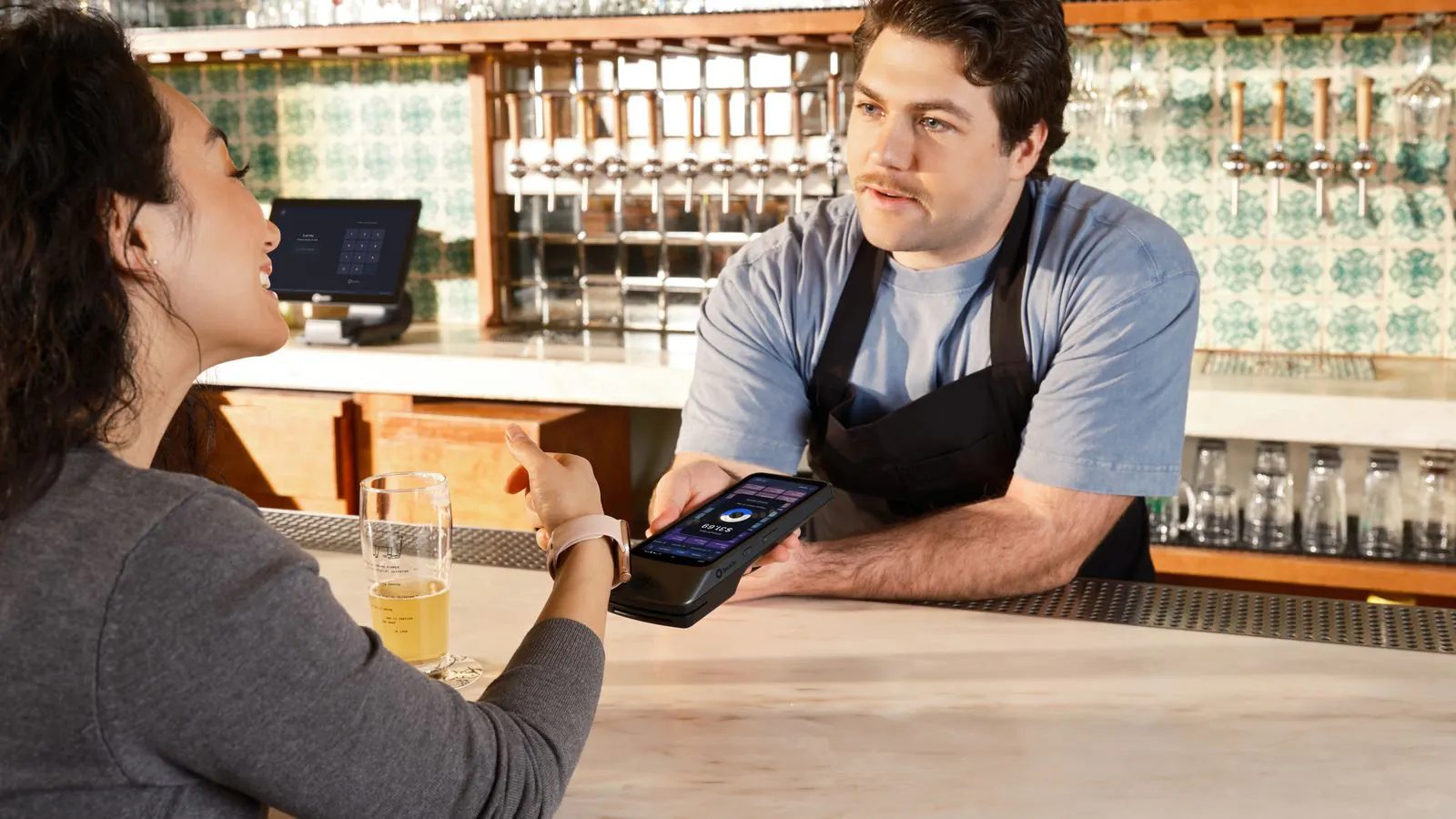
With the Passavo counter till, running in the browser of an ordinary tablet or laptop, you choose Card at checkout. The amount appears on the terminal next to the till by itself, and the till only creates the tickets once the payment has gone through. It talks directly to three kinds of terminal:
- Mollie terminals;
- Stripe readers S700, S710 and BBPOS WisePOS E;
- Worldline Android terminals with the Terminal API app.
Usually you pick the terminal from the payment provider you already use for your online ticket shop. Still unsure about that provider? Read which payment provider do you choose? first. What a card terminal does exactly is explained in What is a card terminal?
A mobile terminal on a field
A club fundraiser rarely takes place next to the router. Two things need internet: the tablet running the till, and the terminal.
- The terminal. A Stripe Reader S710 has a SIM card and works over 4G. Mollie terminals can run on 4G as well. On a sports ground or in a marquee, that's often more reliable than the clubhouse Wi-Fi.
- The tablet. The till runs in the browser and needs a connection while you're selling. Have a phone with a mobile hotspot ready as a second connection.
- Test on the spot. The day before, set the table up exactly where it will stand, and do a test sale.
Don't buy a Bluetooth reader. It only works with its own app, not with the till.
And the terminal the club already has?
Many clubs already have a terminal from their bank. There's no need to cancel or replace it. If it can't be linked, you use it as Card (standalone terminal):
- The owner switches that button on under Settings → Payments.
- At the till you tap Card (standalone terminal), and the till shows the amount in large digits.
- You type the amount on the bank's terminal.
- When it shows "approved", you tap The terminal shows approved. Only then does the till create the tickets.
You still retype the amount, but every card payment is recorded on the right till and appears on its own line in the Z report. That way the till works with any card terminal.
An example: the youth tournament
The club expects 400 visitors. Entry is 5 euros, a plate of spaghetti 12 euros. Half of the visitors bought their tickets online in advance.
- At the gate there's a tablet with the till and a Stripe Reader S710 on 4G. Anyone without a ticket buys one there; everyone else gets scanned.
- In the clubhouse there's a second tablet. That's where the bank's old terminal does its job, as a standalone terminal.
- After the tournament each volunteer closes their till session. The Z report of each till lists cash, card via the reader and card via the standalone terminal separately.
The treasurer matches the card totals against the bank statements, and the cash against what the till says should be in the drawer. How that works step by step is in Closing the till after your event.
Want to accept payments through a banking app as well as cards? The till then shows a Bancontact Pay QR code with the right amount already in it. All the payment methods side by side are in Payment systems for clubs.
What does a card terminal cost a club?
You buy or rent the terminal from your payment provider or your bank, not from us. The fee per card payment is charged by that provider, at its own rates.
Passavo adds nothing on top: no amount per ticket and no percentage of your revenue. The counter till, including the link to your terminal, is part of every paid plan from Start, at €9.00 per month. If your club only holds a few events a year, pause your subscription in the quiet months. Everything side by side is on the pricing page.
How to get started
- Create a counter device under Point of sale → Devices, one for each spot where you sell.
- On each device, click Link a terminal and choose your provider.
- Do a test sale in the spot where your till will stand.
The full walkthrough is in Linking a payment terminal. Find out more about selling at the door on the point of sale page.