Clubs and events
Cash up the till after your event: the Z report
Cash up the till after your fundraising dinner or party without guesswork: count, compare with the drawer and get a Z report your treasurer can read.
· 5 min read
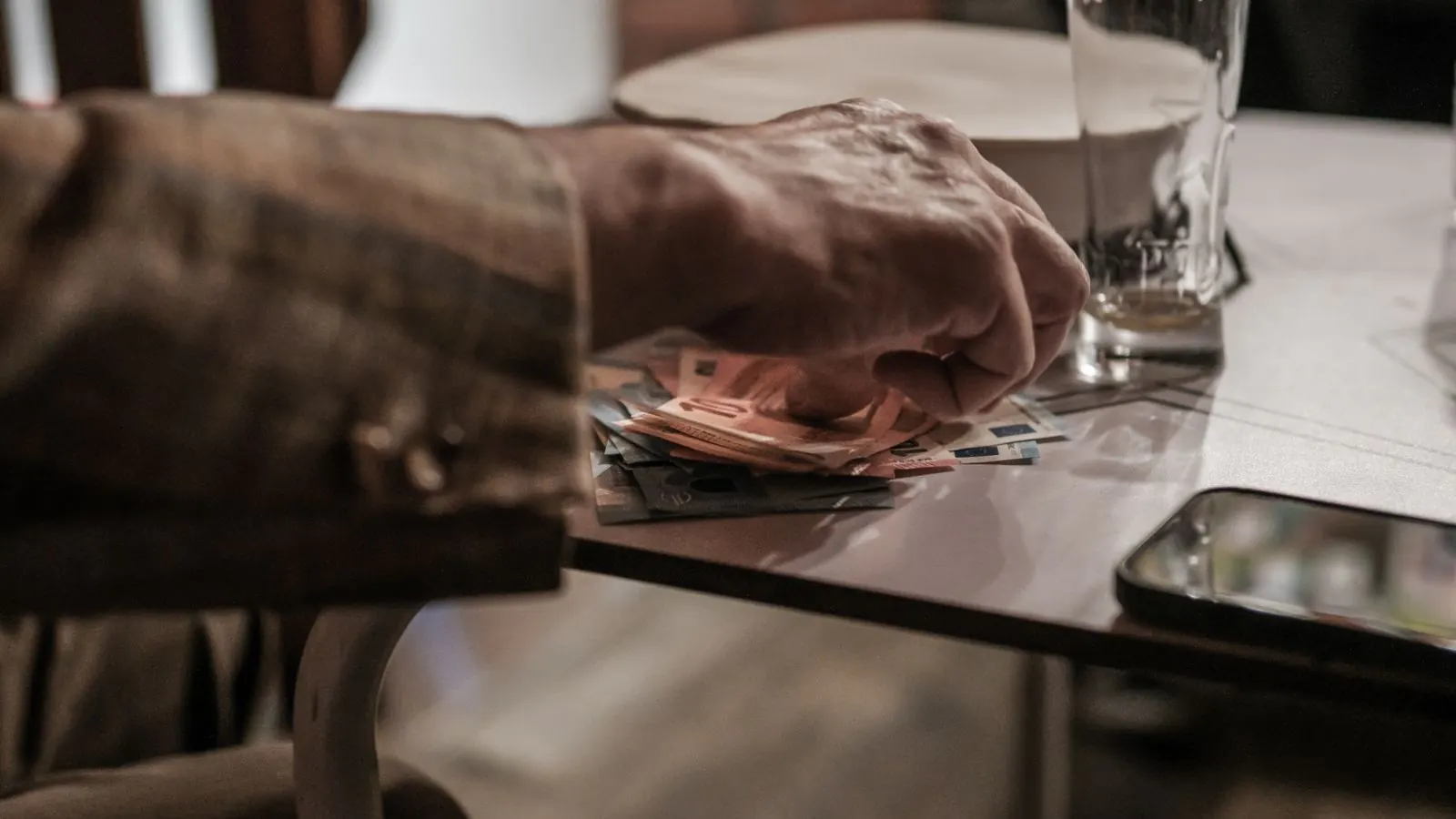
It's half past midnight. The fundraising dinner of the football club is over, the last plates are in the sink, and at the entrance table the treasurer sits with a cash box, a calculator and a sheet of paper full of crossings-out. There's money missing. Or there's too much. Nobody knows for sure, because nobody remembers how much change was in the box at five o'clock.
Having to cash up the till is the least exciting moment of your event, and that's exactly why it goes wrong so often. This article explains how to do it properly in five minutes: what you count, what you compare it with, and what you have on paper afterwards for your committee and your bookkeeper.
Why cashing up the till is more than counting money
Counting on its own tells you little. You want to know whether what you count matches what was sold. For that you need three numbers:
- the opening float: the change you put in the drawer when you opened;
- what is expected: the opening float, plus the cash sales, minus the cash refunded, plus or minus the money that went in or out along the way;
- what you count: what is actually in the drawer at the end.
The gap between the second and the third number is your cash difference. With a cash box and a scrap of paper you usually only have the third. With a till that records every sale, you have all three.
How a till session works in Passavo
The counter till in Passavo works with sessions. A session is one shift at one till: it starts at Open the till, where you enter the Opening float, and it ends when you close it. Everything in between belongs to that session: every sale, every refund, and every amount you record under Drawer with In or Out: adding change, taking large notes to the safe, paying for ice from the shop around the corner.
If two tills stand side by side, each one has its own session. That sounds like a detail, but it makes the difference between "twenty euros are missing" and "twenty euros are missing from the left-hand till".
Closing the till in three steps
- Count. Empty the drawer and count the money, ideally twice, by two different people. Don't subtract the opening float yourself: the till does that for you.
- Compare. At the bottom of the till screen you'll see Expected in the drawer. Put your count next to it. If it doesn't match, look for the usual causes first: wrong change given, money taken from the drawer without recording it, a cash payment rung up as card, or a sale that was never rung up.
- Close. Enter what you counted under Counted in the drawer, add an explanation under Note when closing if you have one, and click Close the till (Z report).
If you can't find the cause of a difference straight away, simply leave it. A cash difference is kept, not smoothed over. One shortfall of a few euros is a counting error; a shortfall that goes the same way at every event is a pattern you only notice if you don't hide it. The full explanation is in The counter till.
What the Z report contains
When you close the till, the Z report is fixed. It gets a number (Z-1, Z-2, …) and never changes after that. It shows:
- the turnover per VAT rate, with the amount excluding VAT, the VAT and the total;
- the turnover per payment method: cash, card, Bancontact Pay and the rest, each listed separately;
- the cash drawer: opening float, cash sales and refunds, what went in and out, expected, counted and the cash difference.
An owner or manager can find every session under Point of sale → Till sessions, with a red cash difference for a shortfall and an orange one for a surplus. That's also where the Export journal button is: a CSV with every till event of a day, for your bookkeeper. How to read that screen is explained in Reviewing till sessions and Z reports.
An example: the fundraising dinner with two tills
The football club holds a fundraising dinner with two tills at the entrance. Each till gets 150 euros in change.
| Left-hand till | Amount |
|---|---|
| Opening float | 150 |
| Cash sales | 1,240 |
| Cash refunded (a duplicate order) | −22 |
| Out: notes to the safe at eight o'clock | −500 |
| Expected in the drawer | 868 |
| Counted | 858 |
| Cash difference | −10 |
At midnight the treasurer counts 858 euros: ten euros short. He enters 858, writes "probably change given during the rush around seven" in the note, and closes the till. The right-hand till is correct to the cent. The next morning the committee sees two Z reports, with the card payments listed separately, and knows exactly what should arrive in the bank account and what is in the safe.
Three mistakes that make your cash difference meaningless
- Leaving the opening float at zero. Then any difference at the end of the night is nonsense. Count the change before you open.
- Taking money from the drawer without recording it. Otherwise a note for the frying oil becomes a shortfall nobody can explain.
- Not closing the till. A session stays open until someone closes it. Close it after every event, even when it's late: by the next day nobody remembers what happened.
What it costs
The counter till with sessions and Z reports is included in Passavo from Start, for €9.00 per month, with no fee per ticket. It runs in the browser on an ordinary tablet or laptop; if you also want to accept cards, read about a payment terminal at your till. What each plan includes is on the pricing page, and what an end-of-day till close is exactly, you can read in the knowledge base.
A tax question about your cash book? Show the Z report to your bookkeeper: they know what your club needs to keep.