Clubs and events
Payment systems for clubs: online, at the door and the bar
Which payment systems does a club need? Online by card or bank transfer, cash or card at the door, a QR code at the till, and one count at the end.
· 5 min read
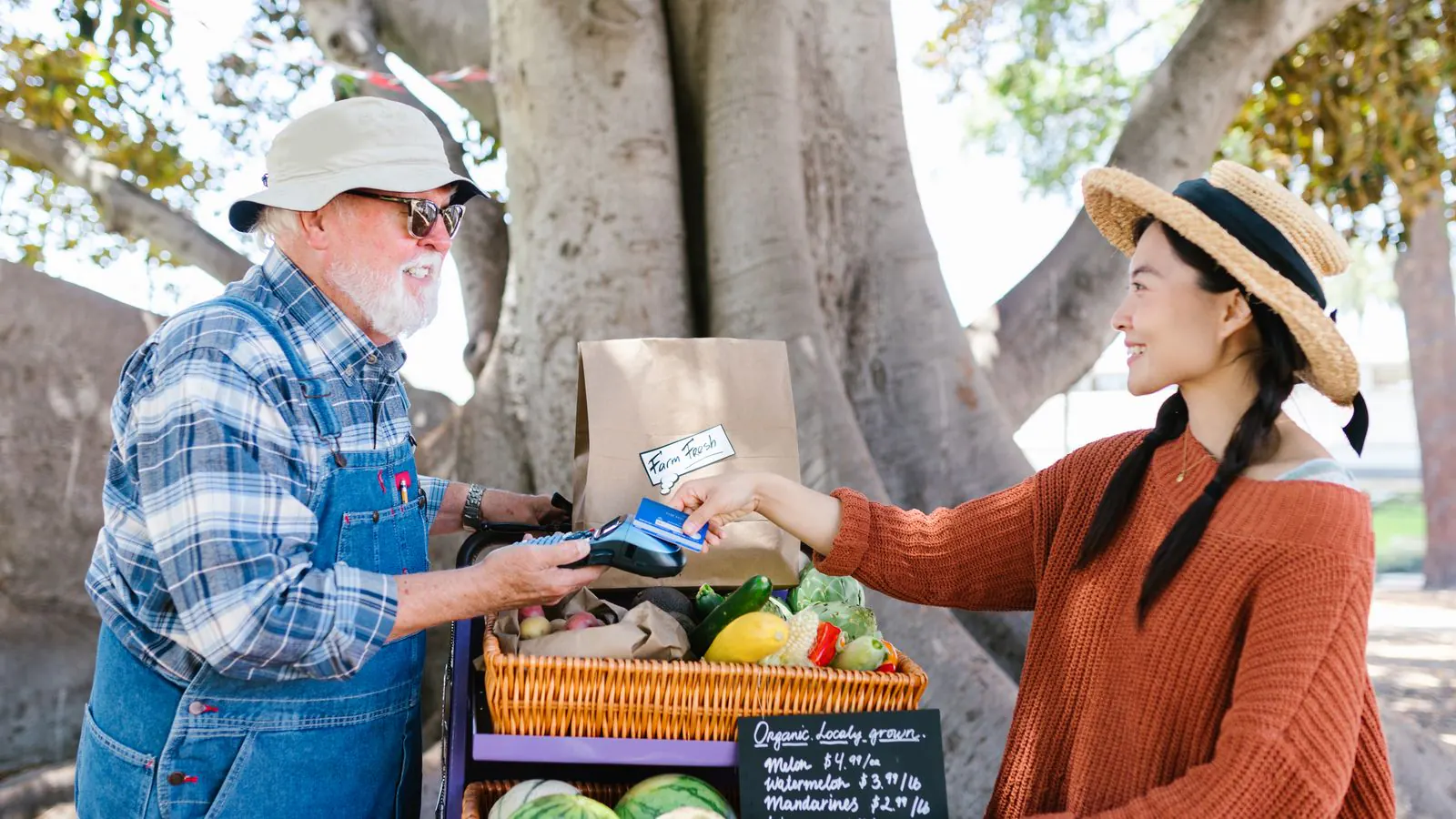
Saturday night, the football club's annual dinner. Two hundred people have paid in advance, but there is still a queue at the welcome table. One person wants to pay by card, another with the QR code on their phone, and a third has brought cash. At the end of the night, the treasurer sits with a cash box, a receipt from the card machine and a list of online orders, trying to turn it all into one number.
A club doesn't need one payment system, it needs three: one for people who pay in advance, one for people who turn up at the door, and sometimes one for the bar. This article explains which payment systems for clubs those are, how they work together and where the money ends up.
Which payment systems does a club need?
Look at the moments when money comes in, not at the devices:
| Moment | Who pays | How |
|---|---|---|
| In advance | Anyone buying a ticket online | Card, Apple Pay, Google Pay, Bancontact in Belgium, or a bank transfer |
| At the door | Anyone arriving without a ticket | Cash, card, or the Bancontact Pay QR code in Belgium |
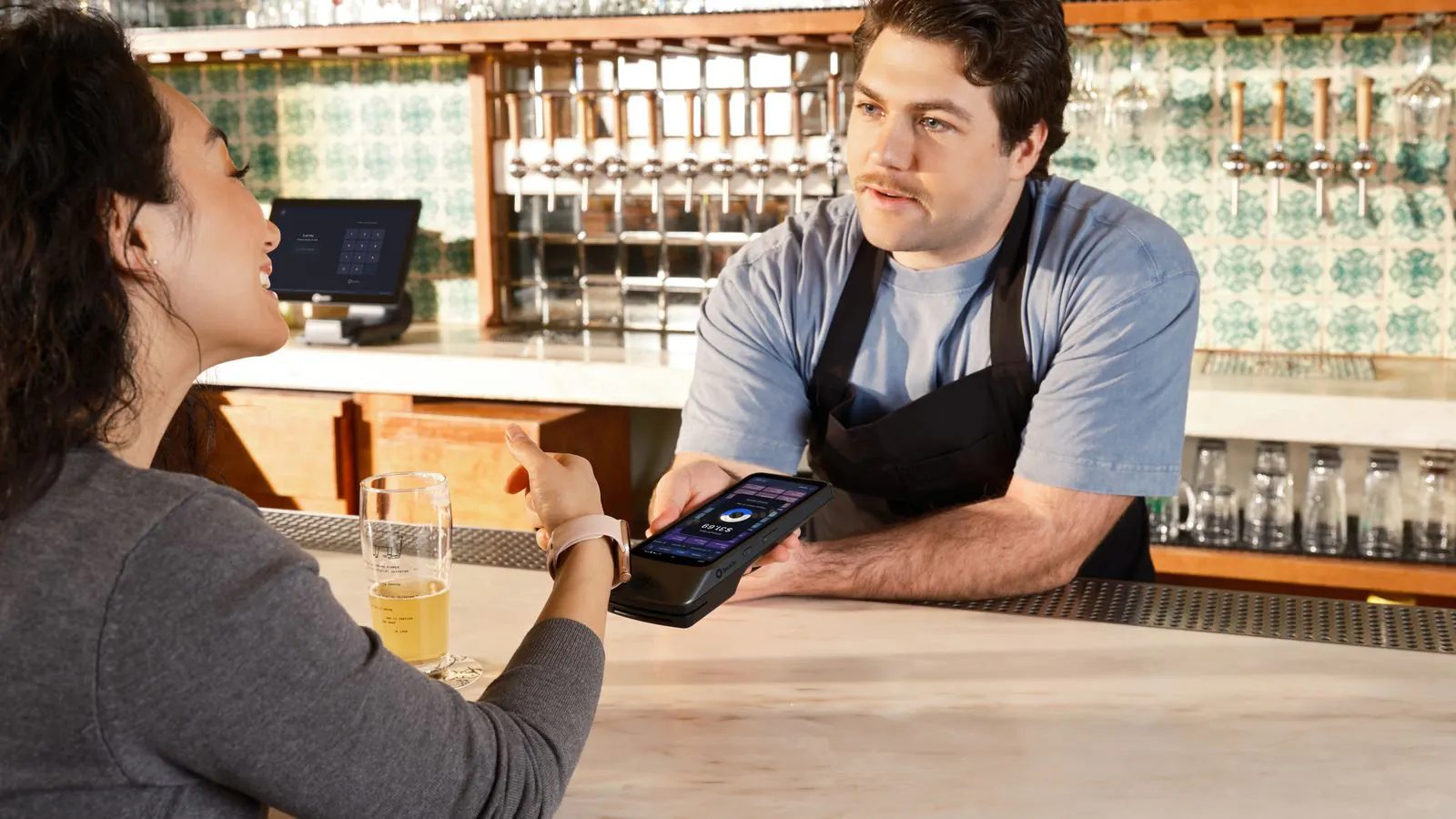
| At the bar | Everyone who eats or drinks | The same till as at the door |
What matters most is that all three end up in the same system. You count the places sold once, and afterwards you can see what came in, per payment method.
In advance: paying online in your ticket shop
In your ticket shop, the buyer pays through your own payment provider: Mollie, Stripe or Bancontact Pro. You connect it under Settings → Payments. The money goes straight into your club's bank account; Passavo doesn't sit in between and doesn't take a cut. Which provider suits your club is explained in Which payment provider should you choose?.
With Mollie or Stripe, your buyer chooses from the payment methods you switch on there: a credit or debit card, Apple Pay or Google Pay on their phone, and local methods such as Bancontact in Belgium or iDEAL in the Netherlands.
No provider yet, or members who prefer to pay the way they always have? Then switch on payment by bank transfer. The buyer gets your account details and a payment reference, their places are held until the due date, and as soon as the money is in your account, you click Payment received under Orders. Only then are their tickets sent. How that works is described in Payment by bank transfer.
At the door: cash, card or QR
For sales on the night, there is the point-of-sale till, from the Start plan. It runs in the browser of an ordinary tablet or laptop. When you take payment, you choose how the visitor pays:
- Cash. You enter what you were handed, and the till works out the change.
- Card (terminal). The amount appears by itself on a connected Mollie terminal, a Stripe reader or an Android terminal from Worldline. The tickets only exist once the payment has gone through.
- Card (standalone terminal). Already have a card machine from your bank that can't be connected? You type the amount on it yourself and confirm in the till that the device approved the payment. That way the till works with any card machine, and you don't need a new contract.
- Bancontact Pay. For Belgian visitors, the till shows a QR code with the exact amount. The visitor scans it with their banking app, and the till sees for itself when the payment is made. How a club applies for that QR is covered in Payconiq for clubs.
Which terminal to connect and what you need for it is explained in What is a card terminal?.
At the bar: the same till
Pints, chips and coffee can go through the same till as the tickets, as a bar item: no ticket comes out, but there is a line on the receipt and in your till log. Bar items are off by default; support switches them on for you. Running a big party and prefer a pre-loaded balance to drink tokens? Then read how cashless payments work.
One count at the end of the night
A worked example. For the club dinner, 200 people buy online, and another 60 arrive at the door: 30 pay cash, 20 by card and 10 with the QR code.
- The 200 online payments are in your orders and reach your bank account through your provider.
- At the till, you close the till session. The Z report splits the takings by payment method: cash, card through the terminal, card through the standalone terminal and Bancontact Pay, each on its own line.
- You compare the cash in the drawer with what the till says should be in it. Any difference shows up straight away, per till.
That way your treasurer can put the card total next to the statement from the provider or the bank, and the cash total next to what is in the drawer. The step-by-step version is in Closing the till after your event.
What does it cost?
Your payment provider charges a transaction fee for each successful payment. That fee goes to them, not to us; how it works is described in Payouts and fees. Bank transfers and cash have no transaction fee.
Passavo charges no fee per ticket. On the Free plan, you can sell up to 100 paid tickets per event online. Want to sell at the door and at the bar as well? Then you need the till: it is included from Start, for €9.00 a month. All plans are on the pricing page.
How to get started
- Connect your payment provider, or switch on bank transfer.
- Put your event online and sell in advance.
- On the night itself, open the point-of-sale till on a tablet, with a cash drawer and, if you like, a card terminal beside it.
More about selling at the door is on the page about the till.