Clubs and events
Payconiq for associations: tickets and till, one QR
Payconiq for associations, now Bancontact Pro — how to accept QR payments in your ticket shop and at the till of your event, without renting a card terminal.
· 5 min read
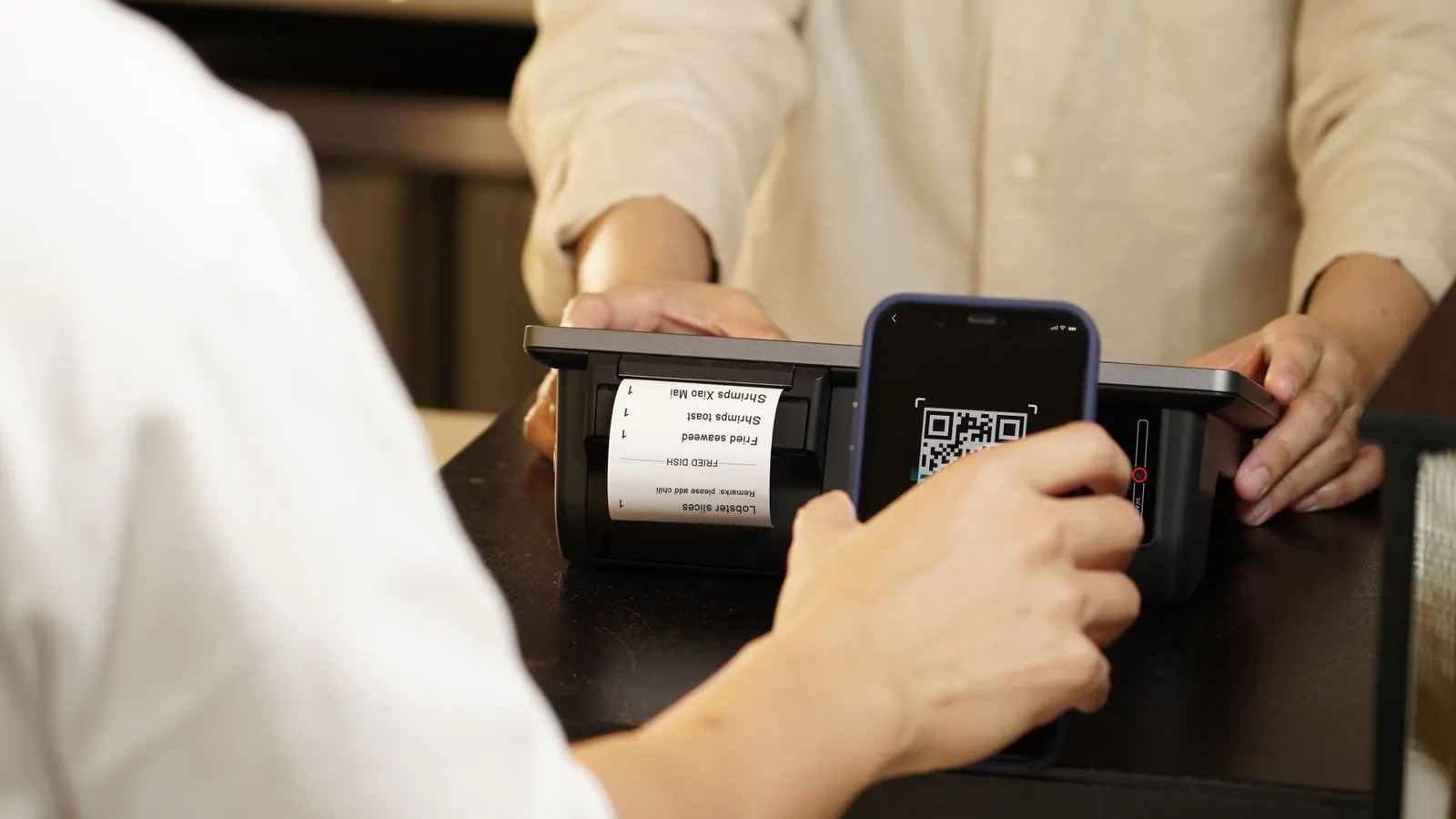
It's the cheese and wine night of the volleyball club. There's a queue at the entrance table, and half of the people ask the same question: "Can I pay with Payconiq?" The cashier has a cash box and a sticker with a QR code, on which everyone has to type in the amount themselves. Afterwards the count doesn't add up, and nobody knows whether that one payment of 44 euros really came in.
Payconiq for associations can be simpler. This article explains how to apply for QR payments as an association, and how to use them in the two places where your club receives money: in your online ticket shop and at the till on the night itself.
Payconiq is now called Bancontact Pro
First the names, because they cause confusion. Since March 2026, the app your visitor pays with is called Bancontact Pay, and what you apply for as an organiser is called Bancontact Pro. Together, they used to be called Payconiq. So whoever applies for Payconiq today is applying for Bancontact Pro. For your visitor, little changes: almost every Belgian banking app can scan the QR code, even without a separate app.
Can an association apply for Payconiq?
Yes. An association with a company number and a business account in the association's name can apply for Bancontact Pro just like a shop. You do this through your bank or through Bancontact's page for professionals.
There is one thing you need to ask for explicitly: the solution with an API key, for online payments or an integrated till. With just a sticker you can't connect anything: your visitor still types in an amount, and your system doesn't know which payment belongs to which order. With an API key, your ticket shop or till creates a QR code with the exact amount for every payment, and the payment lands on the right order by itself.
Expect anything from a few working days to a few weeks, depending on your bank. So apply well before your first event. How to apply, where to log in and where to find the official support is explained step by step in Applying for Payconiq.
At the till: the QR appears on the screen
The biggest gain is on the night itself. With the counter till of Passavo, which runs on an ordinary tablet or laptop, you choose Bancontact Pay when you check out. A QR code with the exact amount appears on the till screen, your visitor scans it with their banking app, and the till sees by itself that the payment is done. Only then do the tickets exist.
What that means for an association:
- no card terminal to rent for people who pay with the app;
- nobody types in an amount, so no payment of 4.40 instead of 44;
- the Z report at the end of the night shows the takings per payment method: cash, card and Bancontact Pay each separately. Your treasurer sees straight away what should be in the drawer and what will arrive in the bank account.
The till does need internet while you sell. Keep a phone with a hotspot ready as a second connection. How a night at the till goes, from opening to closing, is described in The counter till.
Online: the same QR in your ticket shop
If you connect Bancontact Pro as the active provider of your ticket shop, people who buy a ticket online see the same QR code after ordering. The page moves on to their tickets by itself as soon as the payment is in.
Two things to know before you choose:
- People who order on their phone scan with a second device. There is no button that opens the app directly. For people ordering on a laptop that's no problem; if your audience mostly buys on their phone, it is.
- Your ticket shop uses one provider at a time. With Bancontact Pro as the active provider, your visitor can only pay online with the app, not with a card.
That's why many associations choose a combination: Mollie or Stripe as the provider of the ticket shop, with the Bancontact card and the other common methods, and Bancontact Pro connected as well for the QR at the till. That works: the till uses Bancontact Pay even when another provider serves the ticket shop. What suits your club is explained in Which payment provider do you choose?
An example: the cheese and wine night
The volleyball club expects two hundred guests. Adults pay 22 euros, children 10 euros.
- The treasurer applies for Bancontact Pro through the club's bank, with an API key, three weeks before the event.
- The key goes into Passavo under Settings → Payments, in the Bancontact Pro block, with the right environment. A test payment of 1 cent confirms that it works.
- The club creates the event under Sales → Events, with two ticket types, each with an online price and a counter price.
- A hundred and forty guests buy online in advance. The other sixty pay at the door: in cash or with Bancontact Pay on the till screen.
- At midnight the cashier closes the till. The Z report shows how much came in as cash and how much through the app, and the cash adds up.
What it costs
Bancontact Pro charges a fee per payment, often with a fixed yearly fee. You agree that rate with your bank or with Bancontact itself; get it in writing before you sign.
Passavo adds nothing on top: no amount per ticket and no percentage of your takings, not on Bancontact Pro payments either. The ticket shop is part of the free plan, up to 100 paid tickets per event. The counter till is included from Start, for €9.00 per month. If you mostly sell online, also read selling tickets for your fundraising dinner without commission.
Everything at a glance, with what's in which plan, is on the pricing page.