Clubs and events
A season pass management system for your sports club
A season pass management system for your sports club: sell passes online and in the clubhouse, named and in the wallet, with a scan and a visit count per match.
· 5 min read

Every summer the club secretary prints a few hundred season tickets, and at the gate a volunteer ticks names off a clipboard. By October half the cards are lost, a teenager turns up with his dad's pass, and nobody knows how many supporters actually come. This article shows how a season pass management system lets your sports club run season tickets without paper: sold online, in the holder's name, on the supporter's phone and scanned at the gate.
How is a season pass different from a ticket?
A ticket is used up after one scan. A season pass has to work at every home game. In Passavo you create a product of the type Season pass; that's only the type in the admin screen, and to supporters you call it a Season ticket or whatever your club is used to. More on the idea under season pass.
Three things come built in:
- Every pass is in a name, so one pass for a family of four doesn't quietly turn into four.
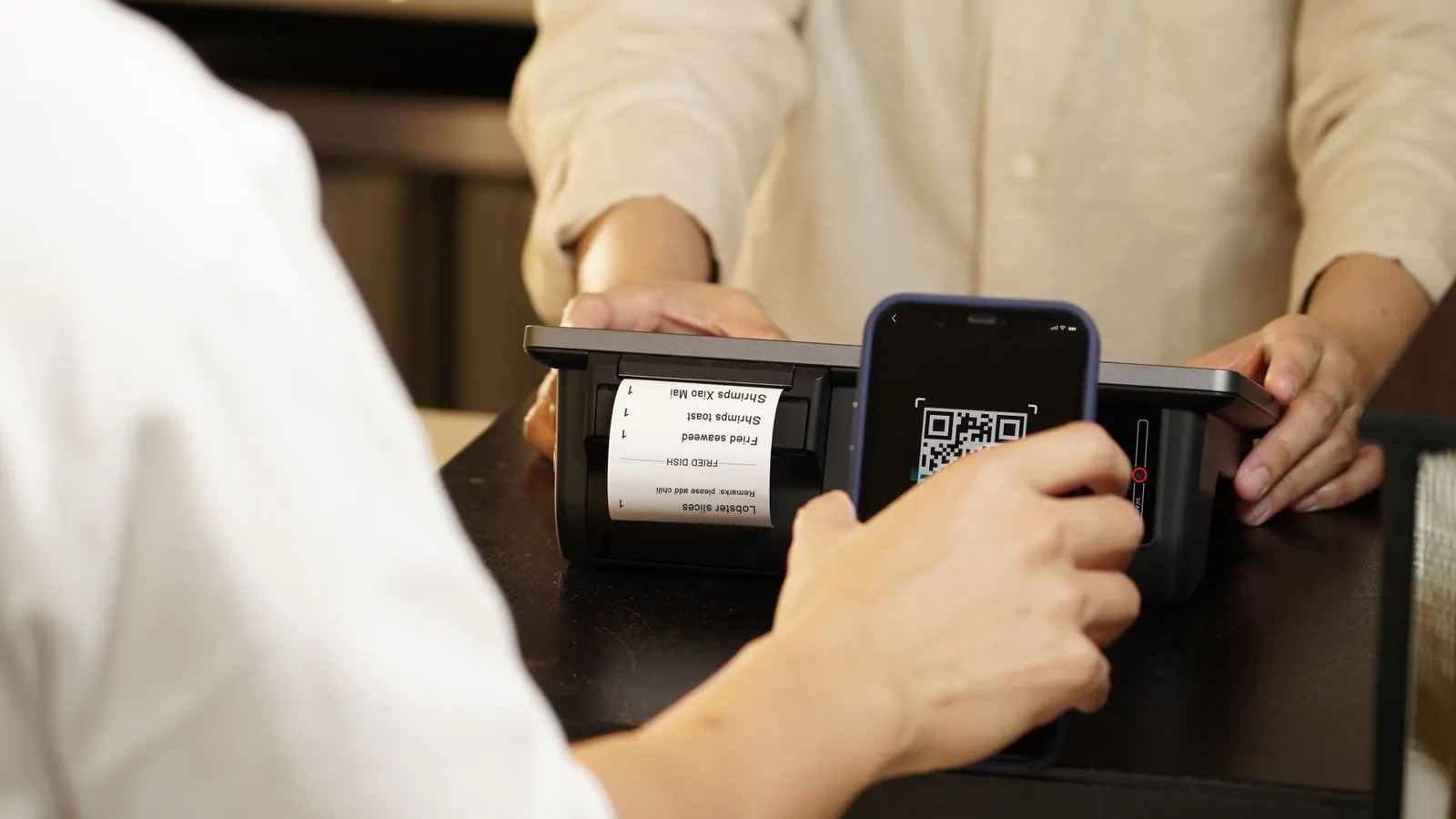
- The pass lives in the wallet. After payment the supporter gets a QR code and a button for Apple Wallet or Google Wallet, as a general pass that stays at the front all season.
- A visit counter runs alongside it. Every successful scan counts as a visit, with the date and time.
An example: a football club with fifteen home games
Take a football club with fifteen home games between August and May. A matchday ticket costs 7 euros; the club wants an adult season pass at 75 euros and a junior pass for under-16s at 25 euros.
- Go to Products and click New product.
- Under Type, choose Season pass and name it Adult season ticket. Set the price to 75 euros.
- Fill in Valid in months. The term runs from the day of the sale, so ten months from mid-August covers the whole season.
- Leave Visits per day empty. Empty means one visit a day: once someone is in, they can't hand the pass back over the fence to a friend.
- Switch on Name on the ticket, so a parent buying three passes enters three names.
- Create a second product, Junior season ticket, at 25 euros with the same settings. Each rate is its own product.
The passes appear in your ticket shop straight away, next to the single-match tickets. Setting up those matches is covered under Events.
What about supporters who join in January?
A ten-month pass bought in January would run into next season. Two ways to handle that:
- Create a Second-half season ticket for the winter break, valid for five months at a lower price.
- Or issue the pass by hand under Season passes → Issue a season pass and choose Valid from and Valid up to and including yourself. That's also the route for an honorary member, a sponsor or a raffle prize.
Selling online and in the clubhouse
Online, the supporter buys a pass like any other ticket and fills in a name for each pass. In the clubhouse you ring it up on the counter till, which asks for the name before taking payment. Both land in the same overview.
At the gate: scanning instead of ticking off
Gate volunteers use the usual scanning app, which shows one of these messages:
| Message | What it means |
|---|---|
| Admit | The pass is valid and the visit has been counted |
| Already scanned | This pass has already been through the gate today |
| Wrong day | A genuine pass, but outside its period: expired or yet to start |
| Cancelled | The pass has been cancelled, for example after it was lost |
No signal at the gate? You can keep scanning without a network.
What does the visit counter tell you?
Open a pass under Season passes and you see every match the holder attended. Sell 220 passes, count an average of 140 scans per home game, and you know how many burgers to put on the grill, and whether the price can go up next year.
A match moved? One message to every holder
If Saturday's game moves to Sunday, use Messages to visitors to send one short message to the audience All season pass holders. Holders with the pass in their wallet get a notification on their phone; the others get an email, unless they unsubscribed. Cancelled or expired passes are left out. The rules are under Messages to visitors.
Next season: renew or buy again
The Expiring soon filter in the Season passes overview lists passes that run out within thirty days: your list of supporters to talk to. Most buy a new pass in the ticket shop. For someone paying in the clubhouse, click Renew: it creates a new pass that follows on from the old one, with a new code, so last season's visits don't carry over and a pass lost last year stays dead.
A misspelt name is fixed with Change the name; the QR code stays the same. A stolen pass you Cancel and replace.
What it costs
Season passes are included in Growth, at €29.00 a month, with no charge per pass sold, along with gift vouchers and your own domain. Every step is in the guide to Season passes, and the pricing page shows what each plan includes. For more on Passavo for clubs and leagues, see sports clubs.