Clubs and events
Selling party tickets: online presale and at the door
Sell tickets for your party online in presale and at the door, from one shared pool of places, with a lower presale price. With a complete example.
· 5 min read

A dance party runs on two kinds of guests. Half of them buy a ticket weeks in advance; the other half make up their minds at eleven at night on the pavement. If you handle that with an online ticket shop and a cash box at the door, you end up with two counts that know nothing about each other: nobody can tell how many more people are allowed in. This article shows how to run your online presale and your ticket sales at the door from one pool of places, with a lower price for people who buy ahead.
One pool of places, online and at the door
In Passavo, a party is an event: one date, a number of places and one or more ticket types. The Seats in total field is one pool for everything together. Your ticket shop and your point of sale at the door both sell from that pool, and the last place is sold exactly once, even if someone pays online at the very moment you ring up a ticket at the door.
Your guests see in the shop how many places are left, and Sold out as soon as the hall is full. The tile on the point of sale shows the same thing. So you never sell more tickets than the fire safety limit allows.
Presale cheaper than at the door
A price belongs to one channel: Online for your ticket shop, Desk for the point of sale at the door. The same ticket can cost 8 euros online and 10 euros at the door, without creating two products. That price gap is the best advertising for your presale, and the more you sell in advance, the better you know how much beer to order.
An example. A youth club throws a party in the parish hall, with room for four hundred people. Presale costs 8 euros, at the door it is 10 euros.
- In the back office, go to Sales → Events and click New event.
- Fill in the name and the date, and set Seats in total to 400.
- Create one ticket type priced at 8. Switch off The same price at the desk as well.
- Click Create.
- Open the ticket type in the list, click Add a price in the Prices block, choose the Desk channel and enter 10.
Don't skip that last step: without a desk price, the point of sale refuses the ticket. How prices per channel work is explained in Products and prices; the wizard itself in Events.
At the door: one table to scan, one to sell
On the night itself, set up two things.
The scanning app for presale tickets. A volunteer scans the QR code of each online ticket with a phone, whether it is on paper or in Apple Wallet or Google Wallet. The app also works without a network and refuses a ticket that has already been used. How to add your scanning staff is covered in The scanning app.
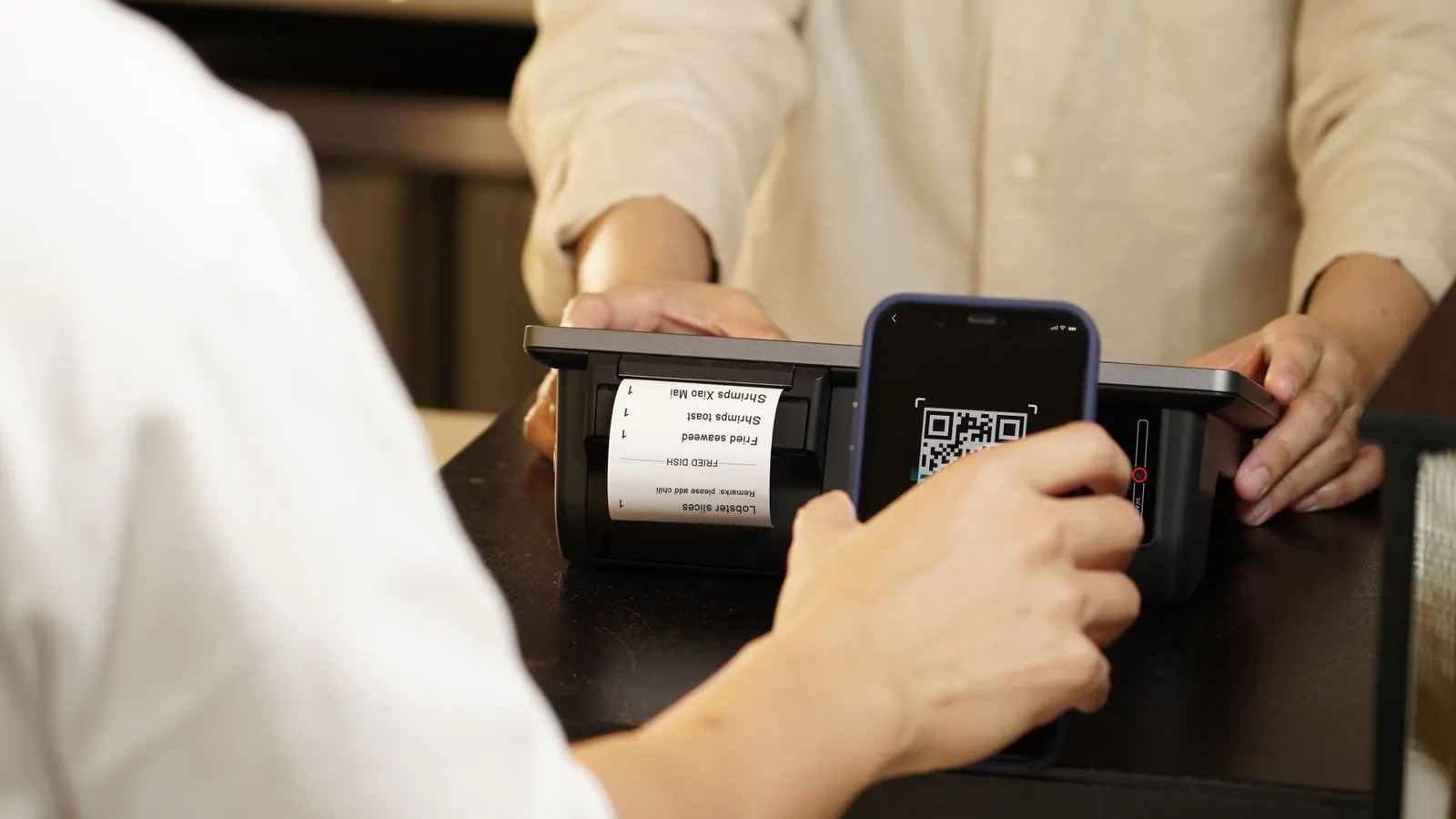
The point of sale for people buying at the door. It runs on a tablet or a laptop, or inside the same app on a tablet. Your guest pays in cash, by card on a payment terminal, or with Bancontact Pay via a QR code on the screen. They get their ticket straight away on the screen, by email or on a receipt. At the end of the night you count the drawer and close with a Z report, which shows the takings per payment method. It is all in The desk point of sale.
Two things to know before you open the doors:
- The point of sale needs internet, the scanning app does not. Keep a phone with a mobile hotspot ready: in a packed hall, the wifi is often the first thing to give up.
- The scanning app only knows a ticket sold at the point of sale after it has refreshed its list. So simply wave through whoever just paid at the point of sale, or refresh the list on the scanning device.
Make two queues as well: a fast one for people who already have a ticket, and a second one for people who still need to pay. Presale buyers then don't wait behind someone looking for their wallet.
No point of sale: buying on a phone at the door
If you don't have a point of sale, guests can simply buy online at the door. Your ticket shop stays open on the day of your party. Put up a poster with a QR code to your shop at the entrance: the guest scans it, pays on their phone and has their ticket scanned right away. It costs you no device, but it does take a little time per guest, and they pay the online price.
What does it cost?
On the free plan, each event sells up to 100 paid tickets, with the ticket shop, the scanning app and wallet passes included. For a party of four hundred people that is too tight, and your sales don't stop on the spot: when you reach the ceiling, you first get a grace period of 14 days.
- Pay for that one event: €19.00, once, up to 2 times per calendar year.
- The Start plan for €9.00 a month: up to 3,000 paid tickets a year with no ceiling per event, including the desk point of sale. If you want to sell at the door with the point of sale, this is the plan you need. You can pause it in your quiet months.
No amount per ticket and no percentage goes to us; your payment provider does charge a fee per payment. All amounts are on the pricing page, excluding VAT.
Three tips for the night itself
Put the price gap on the poster. "8 euros in presale, 10 euros at the door" does more than "buy your ticket online".
Put enough change in the drawer. With a door price of 10 euros, you mostly need 5 and 10 euro notes. Enter the opening float when you open the point of sale, otherwise the cash difference means nothing afterwards.
Stop selling when the hall is full. Nobody has to count: the point of sale and the shop show Sold out as soon as the pool is empty.
If you also sell drinks at the bar, read how cashless with a balance on the pass works, or see what Passavo does for clubs and associations.