Clubs and events
Cashless at the bar: a balance on the wallet pass
No tokens and no change: your visitor puts money on their ticket and pays with it all evening. How topping up, paying and refunding work.
· 4 min read
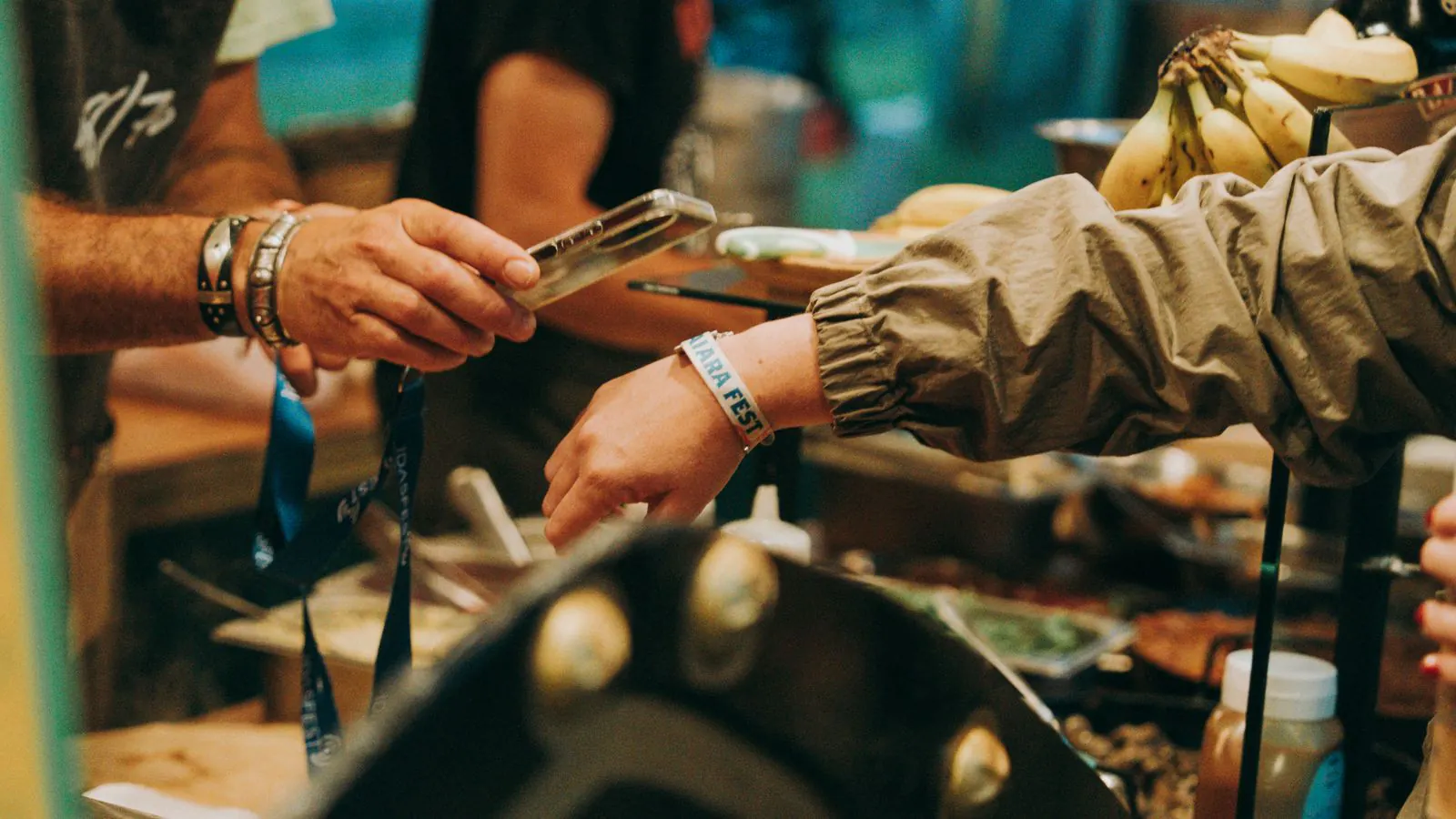
Cardboard drink tokens, a cash box behind the bar and a treasurer counting coins at two in the morning: at a party or a club dinner, that comes with the job. It can be done without. With cashless, your visitor puts money on the pass they already carry — their ticket — and pays with it all evening.
How it works
The balance is linked to your visitor's ticket, on paper or in Apple Wallet or Google Wallet. No extra card or wristband. Three actions, all on the till:
- Top up at a top-up point you staff. Your volunteer scans the ticket, types an amount or picks a quick button for 10, 20 or 50 euros, and takes payment: cash, on the card terminal or with Bancontact Pay.
- Pay at the bar. The order is rung up as usual; at the bottom of the basket you scan the pass and tap Pay with the pass.
- Refund afterwards. Whatever is left is paid back in one go, in cash.
A visitor who has their ticket in their wallet also sees what is left on it — without an app and without logging in.
What it brings
Shorter queues. Paying takes as long as a scan. You don't notice the difference with the first customer, but with the hundredth, when everyone gets thirsty at the same time.
No cash behind the bar. No fetching change from the treasurer, no total that doesn't add up at the end of the night.
One settlement. In the back office, under Point of sale → Bar balance, you see four figures: topped up, spent, refunded and what is still left on passes. They always add up: topped up minus spent minus refunded equals what is left.
Where the money is
With you, from the very first moment. Someone who tops up fifty euros pays it through your payment provider into your account; it never passes through Passavo. What you see in the back office is a record of what your visitors have in credit with you — not an account with money in it.
For your bookkeeping that means: topping up carries no VAT, because nothing has been supplied yet. The pint carries the VAT that belongs on that pint, exactly as with a cash sale. Topped-up balance therefore appears on your Z report next to your revenue, not in it. The same money is never counted twice.
When something goes wrong
Tapped twice? Every top-up and every deduction carries its own reference. If a till on patchy wifi sends the same transaction three times, it counts once.
Not enough balance? Then the sale does not go through and your volunteer sees what is left on the pass. Nothing is quietly deducted down to zero.
A mistake? You correct it with a reversing entry. The wrong line stays, so at the bar you can show line by line what happened.
Lost ticket? Block the pass in the back office under Point of sale → Block a pass. From then on nobody can pay with it. If you recognise the owner, you refund them the remaining balance.
One balance per event
A balance is linked to one pass within one event. Someone who came to your summer party in June and returns in December has two balances. That keeps your settlement correct evening by evening. Agree in advance what you do with what is left afterwards — refund it at the exit, or move it to the club fund after a month — and put it on the ticket and at the entrance. It's fairer, and it saves arguments at the end of the night.
What it costs
No percentage is taken from the balance your visitors top up: your visitor's money is not our revenue. On the Pro plan, cashless is included. On the other plans with a till, you buy it per event, based on that event's number of paid tickets:
| Paid tickets for the event | Price per event |
|---|---|
| up to 250 | €49.00 |
| up to 1,000 | €99.00 |
| above that | €149.00 |
Amounts are excluding VAT; free registrations do not count. The till itself is part of your subscription from the Start plan. Everything is on the cashless payments page.
Where to start
First set up your drinks and food as products and choose per device what goes on it: see bar sales. Then read in the manual how the bar balance works, step by step, with a sample settlement you can walk through at your general meeting.