Visitor attractions
Receipt printer for ticketing: print tickets at the desk
A receipt printer as your ticket printing system: print tickets with QR codes at the desk, with VAT per rate on the receipt, marked copies and no extra app.
· 5 min read
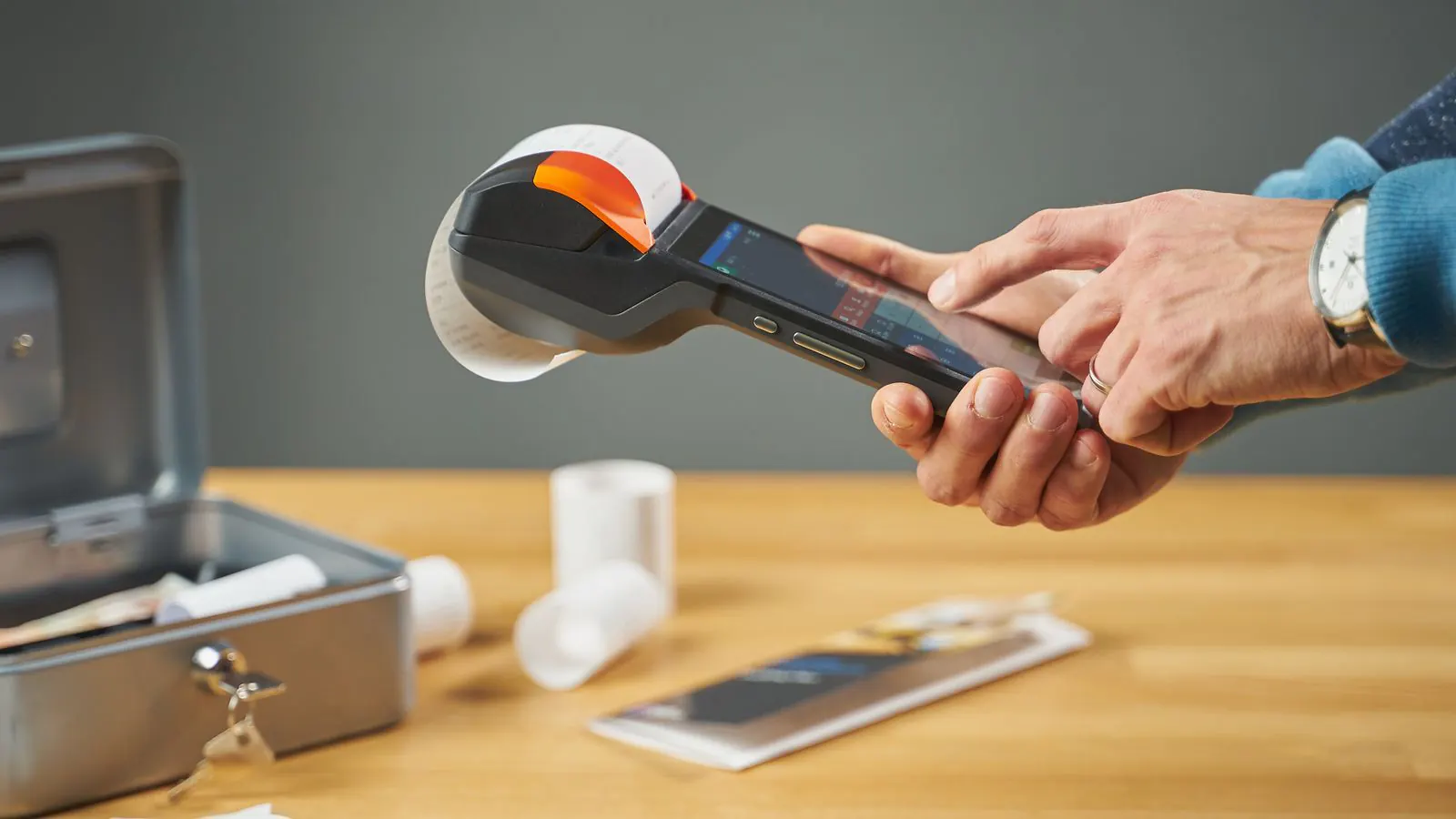
It's Sunday afternoon and there's a queue at the front desk of your museum. The young families already have their tickets on their phones, but the older couple at the front want something on paper: "So where's our ticket?" Emailing the tickets to an address they have to spell out at the desk takes longer than the sale itself. That is what a receipt printer next to your ticketing system is for: one click, and the visitor gets a receipt with their tickets on it. This article explains how it works, what you need and what to watch out for.
What you need
- A tablet or laptop running the desk point of sale. The point of sale is a web page you open in the browser, or the same app your scanners use at the entrance. There is nothing to install.
- A receipt printer for 58 mm rolls, the narrow paper you see at a sandwich shop. The only requirement: your tablet or laptop must be able to print to it with its normal print function. You don't need any separate printer software or print server from us.
- Internet at the desk. The point of sale creates the tickets the moment you sell them, and that happens online. The scanning app at the entrance does work without a network.
A printer isn't required. Without one, you email the tickets or let the visitor take a photo of the QR codes on the screen.
How a sale with a receipt works
Take a family of two adults and two children at the desk of a local history museum.
- Tap the product Adult once and Child twice. The point of sale works out the desk price and the VAT for you.
- Choose how they pay: cash, the card terminal or a QR payment.
- Once paid, the four QR codes appear on the screen. Click Print receipt: the receipt opens in a new window and the browser sends it to the printer.
- Click Next visitor and the screen is ready for the next person in the queue.
The receipt carries a separate QR code for every ticket, along with the receipt number, the lines of the sale and a VAT breakdown per rate. Your bookkeeper can use it, and the visitor has their tickets in hand. At the entrance, your attendant scans those QR codes like any other ticket.
One thing to remember: the scanning app only knows a ticket after it has refreshed its list. If your entrance is right next to the desk, refresh the list on the scanning device after a sale like this; otherwise the family will be told at the door that the ticket isn't valid. How scanning works beyond that, even in a basement without wifi, is explained in Scanning tickets at the door, even without a network.
A second print is a copy
The first print of a receipt is the original. Every later print of the same receipt says COPY in large letters at the top and bottom, with a sequence number and the time it was printed. That way there are never two "real" receipts for one sale, and nobody can use a second receipt to return the same purchase twice.
If a visitor has lost their receipt, look it up in Recent sales or type the number into Search receipt number, then click Copy. Every copy is recorded in the activity log, with the name of whoever printed it.
What if a sale is reversed?
You reverse a mistake at the desk in the point of sale. The tickets from that sale then become invalid, even if the QR codes are already on paper: they are refused at the entrance. If the visitor wants proof, you print a reversal receipt, marked STORNO, with the amounts shown as negatives. Places in a time slot become available again for the next visitor.
Paper, email or wallet: which one?
| What the visitor gets | When it fits |
|---|---|
| A receipt with QR codes | Visitors who go straight in, groups with one payer, anyone without a smartphone |
| The tickets by email | People who come back later or want to forward the tickets |
| A photo of the QR codes on the screen | A busy peak without a printer |
You don't have to choose: after every sale, all the options are there. Online buyers get their ticket by email in any case, with a wallet pass for their phone.
Selling in Germany?
There, the law on cash registers requires a receipt with the data of a technical security device (TSE). The point of sale puts that block with the TSE code on the receipt as soon as the module is switched on; a Belgian receipt doesn't carry it. How it works is covered in the guide on point-of-sale compliance in Germany. The TSE is part of Pro.
What it costs
The desk point of sale, with the receipt and the QR codes on it, is included from Start: €9.00 a month, up to 3,000 paid tickets a year, and never a fee per ticket. You buy the receipt printer itself wherever you like; what your payment provider charges per card payment is a separate cost of theirs.
Read how a day at the desk point of sale runs, from opening to closing, and if you also want card payments at the desk, see a card terminal at your point of sale. All plans are on the pricing page.