For everyone
Sell tickets with Bancontact: online and at the till
Sell tickets with Bancontact, the payment method Belgians look for first. Which provider to choose, what your visitor sees and how it works at the till.
· 4 min read

A concert in the local arts centre, two hundred seats, and ticket sales open tomorrow. The first question in the inbox isn't about the programme but about paying: "Can I use Bancontact?" Bancontact is the Belgian debit card and payment method, and in Belgium it's what people look for first. Those who can't find it sometimes drop out at the very last step. If you want to sell tickets with Bancontact, there are three things you need to know: which provider to connect, what your visitor sees, and how it works at the door.
Bancontact, Bancontact Pay and iDEAL: three different buttons
The word Bancontact is used for two different things, and that causes confusion.
| Method | What it is | Who uses it |
|---|---|---|
| Bancontact | The Belgian bank card, confirmed online with the bank's app or card reader | Belgian visitors |
| Bancontact Pay | The payment app with the QR code, formerly Payconiq | Belgian visitors |
| iDEAL | Paying straight from a bank account, gradually merging into Wero | Dutch visitors |
| Card | Visa, Mastercard, Maestro | Everyone |
Bancontact doesn't work in the Netherlands, and iDEAL doesn't work in Belgium. If you expect visitors from both sides of the border, turn on both methods, and add card payments for anyone coming from further away.
Which provider gives you Bancontact in your ticket shop?
You connect your own payment provider under Settings → Payments. Your visitors' money goes straight into your own account; we don't sit in between. There are three providers, and each offers Bancontact in its own way:
- Mollie shows the methods you turn on in your Mollie dashboard in your ticket shop: Bancontact, iDEAL, card, PayPal and more. For a Belgian organisation with Belgian visitors, that's usually the simplest choice.
- Stripe always asks for card, Bancontact and iDEAL on a sale in euros. Turn on those three in your Stripe dashboard, otherwise the payment page won't open.
- Bancontact Pro gives you the Bancontact Pay app, and only that. If it's your active provider, your visitor pays online with the QR code, without a card and without iDEAL. How that works is explained in Payconiq for associations.
Your ticket shop always uses one provider at a time. If you want Bancontact, iDEAL and card side by side, go with Mollie or Stripe. The full comparison is in Which payment provider should you choose?
If you sell in a currency other than the euro, Bancontact drops out: it's a euro-only method.
What your visitor sees
- They pick their tickets in your ticket shop and enter their name and email address.
- They click checkout and land on your provider's payment page, showing the methods you turned on.
- They choose Bancontact and confirm in their banking app, or with their card reader.
- As soon as the payment is in, their tickets are in their inbox, ready to add to Apple Wallet or Google Wallet with a single tap.
Tickets only exist after a successful payment. If a visitor drops out halfway, they have no tickets and nothing has come in: they simply order again.
Bancontact at the till
Not everyone buys in advance. For people standing at the door, the counter till has two ways to pay without cash:
- a card terminal from Mollie, a card reader from Stripe or a Worldline terminal linked to the till: the amount appears by itself, and your visitor holds their bank card against it. More on that in What is a card terminal?;
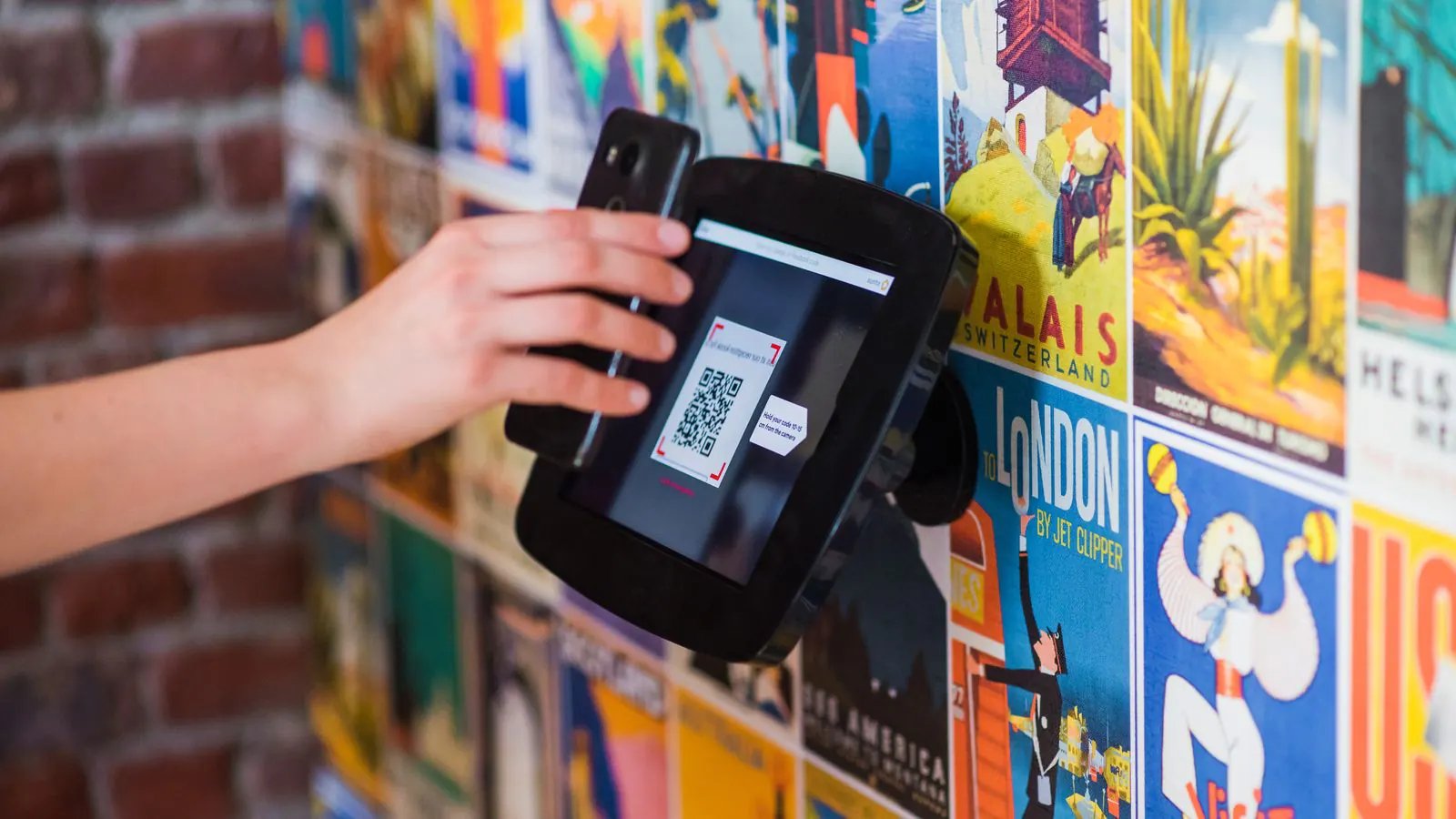
- Bancontact Pay with a Bancontact Pro connection: the QR code with the right amount appears on the till screen, and your visitor scans it with their banking app.
The till is included from the Start plan, for €9.00 a month.
The example: the concert in the arts centre
The arts centre connects Mollie and turns on Bancontact, iDEAL and card in the Mollie dashboard. The concert gets two hundred seats, with a ticket at 22 euros and a student ticket at 15 euros.
- A visitor from Ghent pays with Bancontact and confirms in their banking app.
- A visitor from Breda sees iDEAL and pays the way they're used to.
- A tourist from Lyon pays by card.
On the night itself, the till sells the last seats at the door, with the card terminal next to it for anyone paying by card. On your dashboard, under Payment methods, you see how much came in through each method. If you need to refund someone, you do it from the order, and the money goes back to the buyer's account through your provider.
What it costs
Two parties can charge you something:
- your payment provider charges a fee per successful payment. That's directly between you and the provider, and it differs per method. Check the rates on the provider's own website;
- the ticketing platform. With Passavo there's no fee per ticket and no percentage of your revenue. On the free plan, every paid event sells up to 100 paid tickets.
All plans are on the pricing page. Want to try it yourself first? After connecting, make a test payment with your own Bancontact card: you'll see exactly what your visitor gets to see.