Clubs and events
A ticketing system with no monthly fee for your club
A ticketing system with no monthly fee and no cost per ticket? How far the free plan takes your club, and what happens when one event gets busier.
· 4 min read
Your club or community group puts on something three or four times a year: a concert, a wine and cheese evening, a quiz night. A monthly fee for a ticketing system then feels like paying for eleven months of silence, and a platform that takes a cut of every ticket makes each one more expensive for your members. What you are looking for is a ticketing system with no monthly fee. With the free plan from Passavo you sell tickets online with no monthly fee and no cost per ticket. Below you can read how far that takes you, and what happens when one event turns out busier than expected.
What is included in the free plan?
The Free plan costs nothing, not even after a trial period, and you start without card details. You get:
- a ticket shop where your members and visitors pay online;
- the scanning app for your volunteers on the door, on their own smartphones;
- a wallet pass for every buyer, so the ticket is always to hand;
- time slots, if you want visitors to come in at staggered times.
The limit applies per event: up to 100 paid tickets per event, with as many events a year as you like. Free registrations never count. A sponsored walk or a members' meeting you don't charge for can take as many registrations as it needs.
Your shop and your tickets carry a small mention of the platform. That is the only thing asked in return.
What costs are left?
Just one: the payment fees of your payment provider. Mollie, Stripe or Bancontact Pro charge a small fee per online payment, not per ticket. If a family buys four tickets in one order, that is one payment. You have that cost with every ticketing platform; here it runs directly between you and your provider, and the money goes straight into your own account. Which provider suits your club is explained in Which payment provider should you choose?
Your buyers pay no service fees on top of the price you set.
How far do 100 paid tickets per event take you?
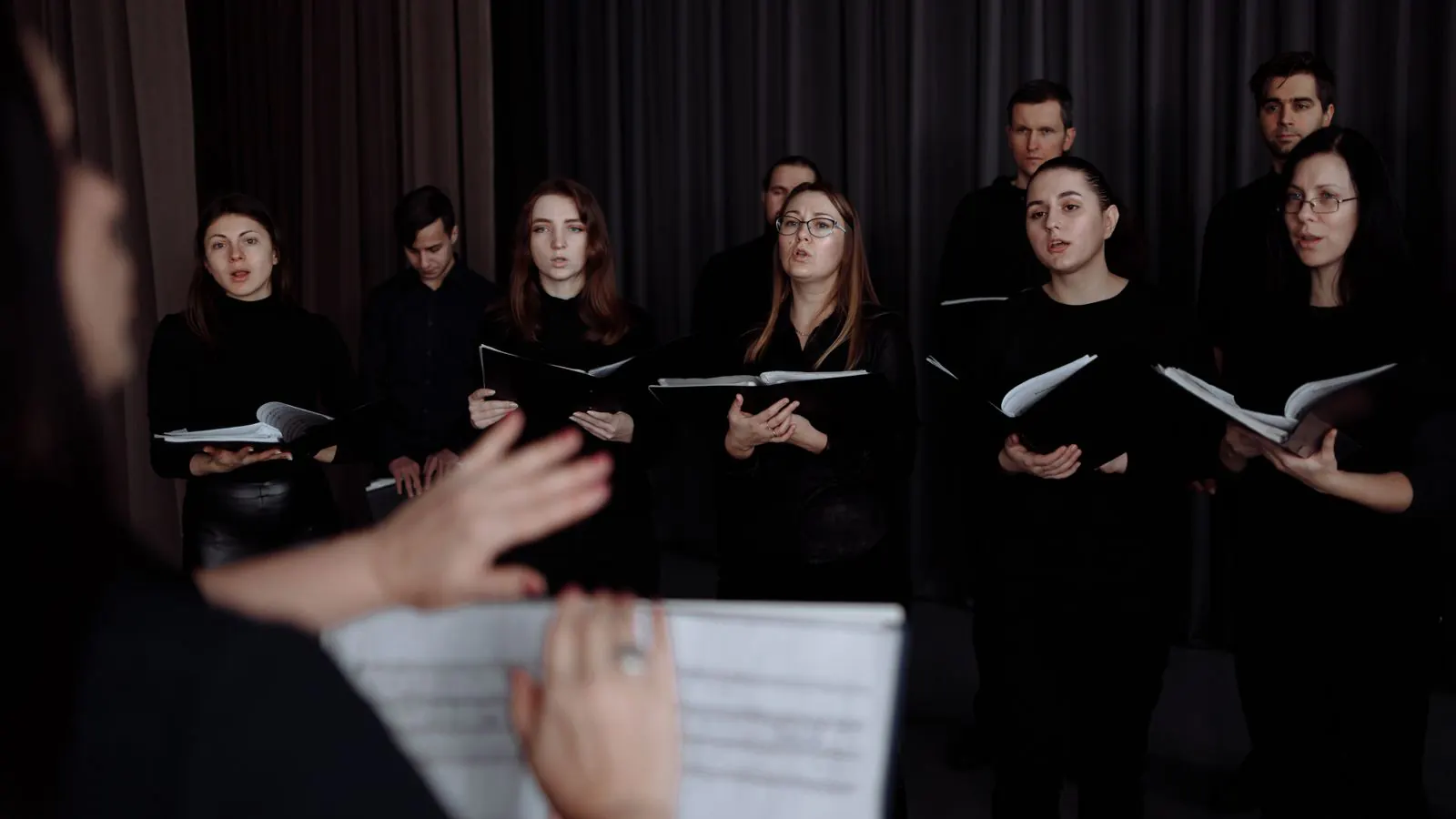
Take a choir with this programme for the year:
| Event | Paid tickets |
|---|---|
| Spring concert | 85 |
| Wine and cheese evening | 70 |
| Quiz night (one ticket per team) | 16 |
| Christmas concert | 130 |
| Open rehearsal (free registration) | 0 |
Four of the five events stay well under the limit. Each event has its own counter: the Christmas concert does not add up with the spring concert. Only the Christmas concert goes over, and for that one event there are two ways forward, described below.
For most clubs this is the pattern: a few small events and one big night. If you want to work out the whole year, you will find three worked examples in What does a ticketing system cost a club or society?
What if one event goes over the limit?
Your sales do not stop the moment the counter reaches 100. It happens in steps:
- At 80 percent you get an email and see a bar in your back office.
- At 100 percent a grace period of 14 days begins. Sales carry on as normal, so a concert taking place tonight never grinds to a halt.
- After that period only the sale of paid tickets for that event stops. Your shop stays online, free registrations keep working and nothing is deleted.
Then you choose:
- pay for that one event on its own: €19.00, once and with no subscription, up to 2 times per calendar year;
- take a plan, for example Start: up to 3,000 paid tickets a year, with no limit per event.
For the choir that means paying €19.00 once for the Christmas concert, and nothing for the rest of the year. How the bar and the counters work is explained in Your plan and your limits.
When is a paid plan the better choice?
The free plan is made for clubs with a few events a year. Look at a paid plan if:
- you have an event every month that goes over the limit;
- you also want to sell tickets on the door with the counter point of sale, which comes with Start and up;
- you want your shop in your own colours and with your own logo, also from Start.
You can try a paid plan for 14 days and pause it during your quiet months. If you are weighing up a fixed amount against a platform that charges per ticket, read Subscription or commission for tickets.
How to get started
- Create an account; no card details are needed.
- Connect your payment provider, so the money goes into your own account.
- Create your first event and put it in your shop.
You will find all the plans side by side on the pricing page.