Visitor attractions
Timed entry ticketing for a US museum, no per-ticket fee
Timed entry ticketing for a museum in the United States: sell arrival windows in dollars through Stripe, for a fixed monthly price and no fee per ticket.
· 4 min read
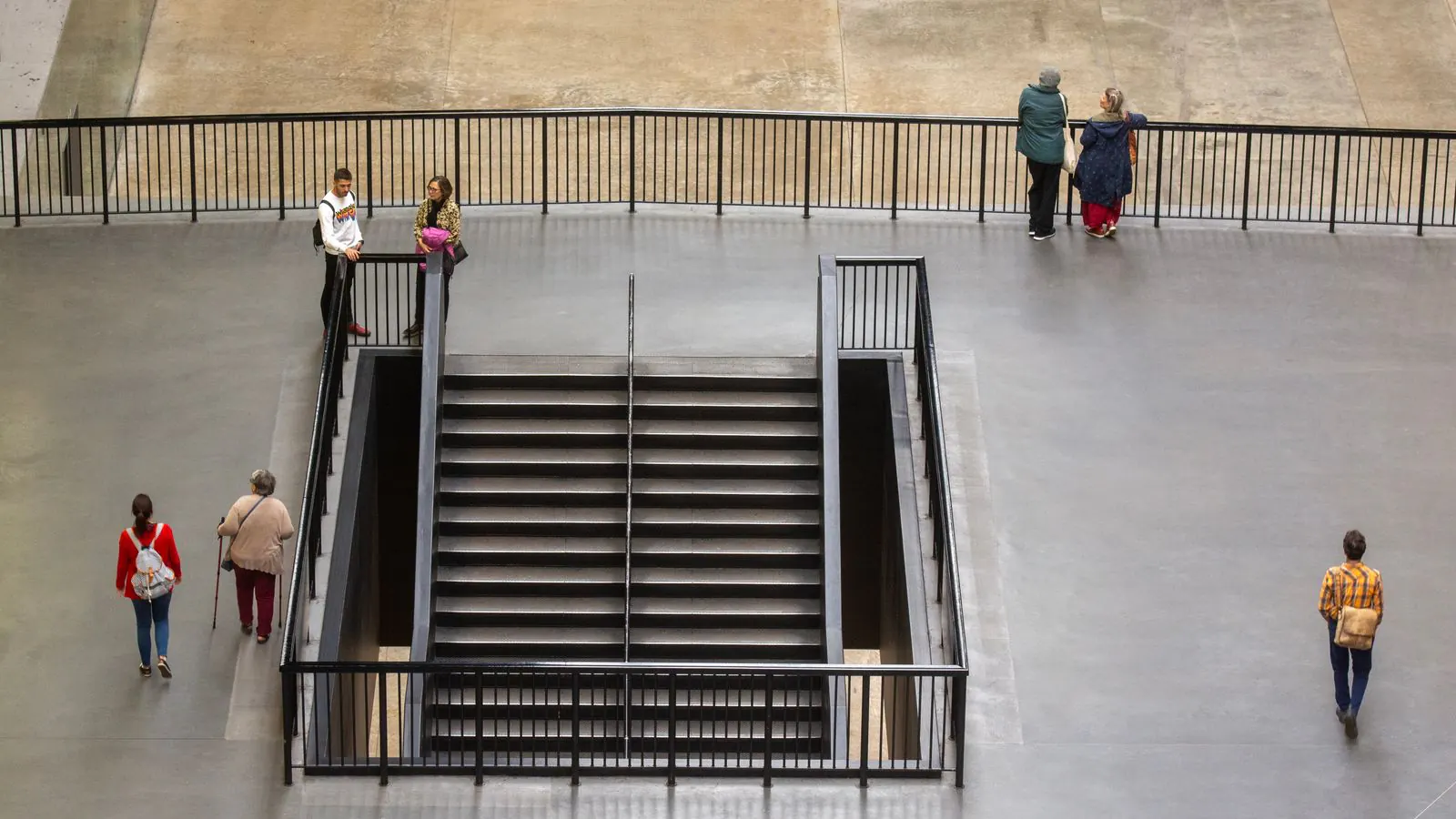
A small history museum in a county seat in Ohio. Forty thousand visitors a year, a rush every Saturday between 11 am and 2 pm, and an online ticketing service that takes a fee on every ticket. The board wants two things: spread the Saturday crowd and stop paying more the busier the museum gets. That is exactly what timed entry ticketing with a fixed monthly price does.
What timed entry ticketing is
With timed entry ticketing, a ticket is valid for one arrival window, for example Saturday 11.00 to 11.30 am. Each window has its own number of places. When the 11 am window is full, your visitor picks 11.30 am, and your galleries never hold more people than you want.
The number of places is what you want to sell per window, not what the building holds. Keep a few places free for walk-ins and members by setting the capacity a little lower. More on the idea itself in timed entry ticketing.
Selling in dollars, with your own Stripe account
Every organisation sells in one currency. An organisation in the United
States gets the US dollar straight away. You check it under Settings →
Organisation, tab The details, field Currency, and you set the Time
zone there too (for Ohio, America/New_York), so that 11 am in your shop is
11 am in your museum.
Payments run through Stripe. Create a Stripe account registered in the United States: Stripe then pays you out in dollars, into your own bank account. Under Settings → Payments you click Connect your Stripe account, make a test payment, and your shop takes cards. Apple Pay and Google Pay can be added too. The money goes from your visitor straight to your Stripe account.
The whole set-up for another currency is in the manual under Selling in another currency.
Setting up a month of time windows at once
You don't create time windows one by one:
- Go to Sales → Time slots and click Create time slots.
- Choose the product, such as "General admission", and the venue.
- Choose the period and the days of the week: Tuesday to Sunday.
- Enter the first and the last start, how many minutes apart the windows start, how long a window lasts and how many places each one has: every 30 minutes from 10 am to 4 pm, thirty places.
- Leave Stay within the opening hours of the venue switched on, so no window falls on a closing day.
Run the generator again later to add the next month: it never touches windows that already have tickets sold. Every field is explained under Time slots.
Several rates, one set of places
On one admission product you set several rates. Our Ohio museum uses four: adults 15 dollars, seniors and students 12 dollars, children 8 dollars. Every rate counts against the same thirty places of a window, so a family of four takes four places, whatever they paid. How to set that up is in Rates.
What your visitor sees
In the ticket shop your visitor picks a day, then a time, with the number of free places next to each window. A full window stays visible but can't be chosen. After paying, the ticket arrives by email and can go straight into Apple Wallet or Google Wallet.
Many museums in the US get Spanish-speaking visitors. Your shop can be in eight languages, Spanish and English among them, and the dollar amounts are shown the way each visitor expects.
The front desk and the entrance
Online and at the front desk you sell from the same windows. The last place is sold only once, and a full window stops selling everywhere, desk included. The desk till is part of Start and up.
At the door you scan tickets with the scanning app on a phone. If a visitor turns up with a ticket for another window, the app shows a warning instead of Valid, and you decide whether they come in. Read how scanning works without a network as well.
Sales tax: check it with your accountant
In the United States, sales tax differs by state, county and city, and museum admission is taxed in some places and not in others. Passavo does not calculate those stacked rates. What you can do: create your own tax set under Settings → VAT sets with the rate your accountant gives you, and make it the default for your organisation. How that works is in VAT sets.
What it costs, in dollars and in euros
Your visitors pay in dollars. What you pay Passavo is a fixed monthly price, in euros, with no fee per ticket: your card bank converts it.
For our museum with forty thousand visitors a year, an invented service that charges 1 dollar per ticket would cost 40,000 dollars a year, on top of the card fees. With Passavo it is the monthly price of one plan, whether you sell four thousand tickets or forty thousand. Above 3,000 paid tickets a year, Growth fits: €29.00 a month, unlimited tickets. The card fees of Stripe are the same in both cases; those are between you and Stripe.
Compare the plans on the pricing page, or see what Passavo does for museums and visitor attractions.